


.png)
10 Ecommerce Checkout Best Practices for 2026 to Boost Conversions
The final step in any online purchase-the checkout-is often the most overlooked yet the most critical. Industry benchmarks show that nearly 70% of online shopping carts are abandoned, with a complicated or untrustworthy checkout process being a primary culprit. This isn't just a missed sale; it's a fractured customer experience that damages brand perception and discourages future visits. For businesses in competitive markets like Los Angeles, from Santa Monica to Pasadena, a seamless checkout is non-negotiable.
Implementing proven ecommerce checkout best practices can dramatically reduce this abandonment rate, directly boosting your revenue and customer loyalty. Optimizing this final touchpoint is one of the highest-impact changes you can make to your online store's profitability, ensuring customers from the San Fernando Valley to the South Bay complete their purchases without friction.
This guide provides 10 essential, actionable strategies to streamline your checkout, build trust, and convert more visitors into paying customers. We will cover everything from offering guest checkout and multiple payment options to deploying trust signals and mobile-first design. Each best practice is designed for practical implementation, whether you serve local clients in neighborhoods like Hollywood and Beverly Hills or a wider Southern California audience. You will learn precisely how to refine each element of your checkout flow to capture sales that would otherwise be lost. Let's dive into the specific tactics that will transform your conversion rates.
1. Streamlined Single-Page Checkout
One of the most effective ecommerce checkout best practices is implementing a streamlined single-page checkout. This approach consolidates all essential fields-shipping, billing, and payment-onto a single, continuous page. By eliminating the friction of clicking through multiple steps, you significantly reduce the cognitive load on your customers, which can drastically lower cart abandonment rates.
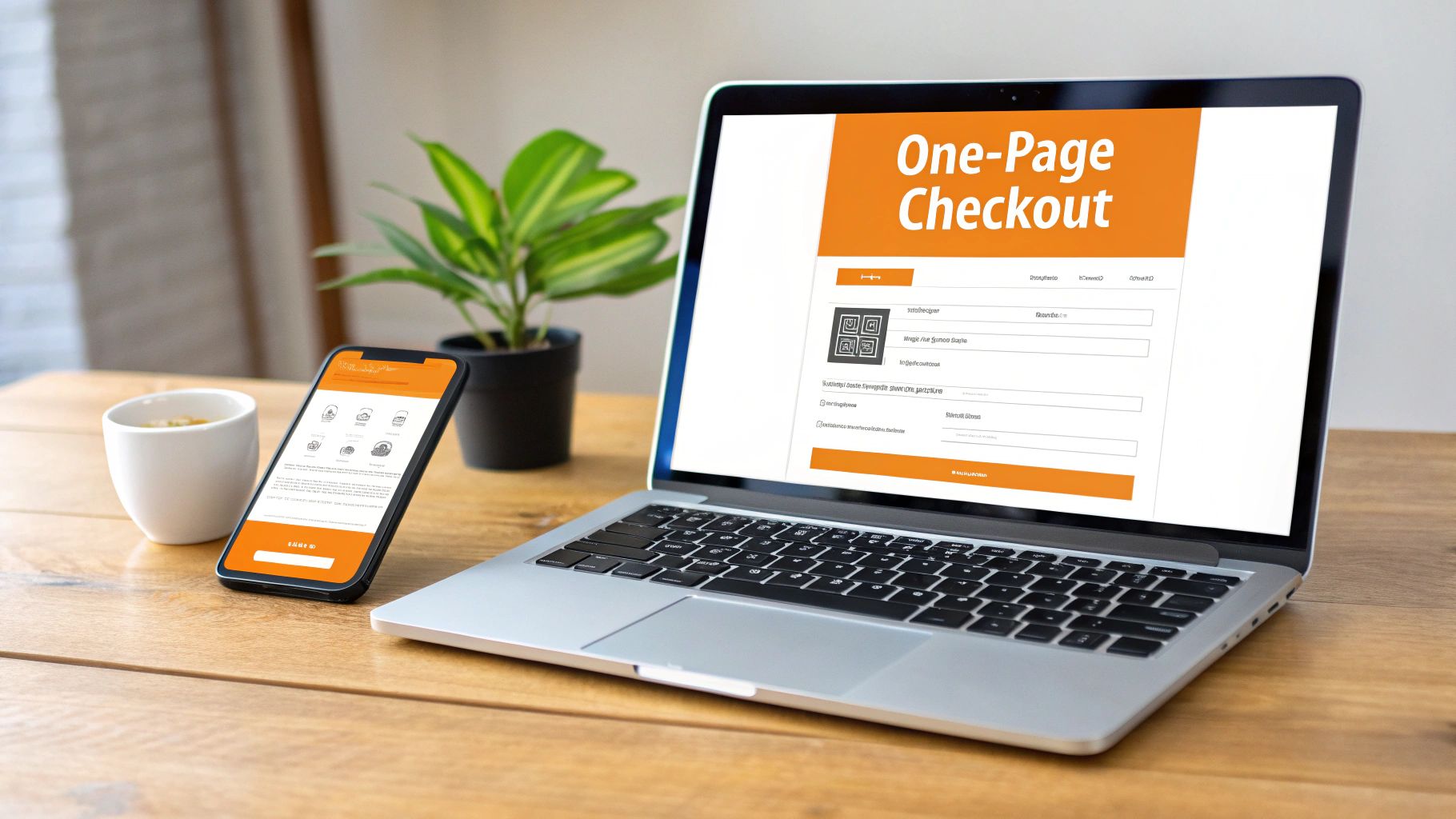
The goal is to make the journey from cart to confirmation as fast and seamless as possible. Modern single-page checkouts often use smart logic, like progressively revealing fields as the user fills out information, creating a smooth, uninterrupted flow. This method is particularly impactful for mobile users, who now account for the majority of ecommerce traffic.
How to Implement a Single-Page Checkout
Implementing this strategy is crucial for businesses looking to enhance their user experience, from startups in bustling hubs like Downtown Los Angeles to established retailers in surrounding areas like Pasadena or Santa Monica.
Platform Templates: Platforms like Shopify and BigCommerce offer highly optimized, pre-built single-page checkout templates. These are mobile-responsive and tested for conversion.
Payment Gateway Integrations: Services like Stripe and PayPal provide checkout solutions that can be embedded directly onto one page, handling payment processing securely without redirecting the user.
Custom Development: For bespoke platforms, work with a development team to consolidate your existing multi-step process. Focus on creating a clean layout and minimizing unnecessary fields.
Actionable Tips for Optimization
To maximize the impact of your single-page checkout, consider the following enhancements:
Enable Guest Checkout: Don't force account creation. This is a major source of friction.
Use Autofill and Address Validation: Leverage browser autofill capabilities and tools like Google Places API to automatically complete address fields, reducing typing errors and effort.
Minimize Form Fields: Only ask for essential information. Do you really need a phone number or a company name? Every extra field is another chance for a user to abandon their cart.
Clearly Display Trust Signals: Prominently feature security badges (SSL, McAfee, etc.) and accepted payment logos to build confidence at the point of purchase.
Adopting a single-page checkout is a foundational step in optimizing your conversion funnel. To delve deeper into similar improvements, you can learn more about actionable CRO strategies that build on these principles.
2. Guest Checkout Option
One of the most impactful ecommerce checkout best practices is offering a guest checkout option. This feature allows customers to complete a purchase without being forced to create an account, removing a major point of friction that is a leading cause of cart abandonment. While encouraging user registration has long-term benefits, demanding it upfront can deter time-sensitive or first-time buyers.
The core principle is to make purchasing as effortless as possible. By prioritizing the immediate sale, you secure revenue that might otherwise be lost. Account creation can then be offered as an optional, value-added step on the order confirmation page, such as saving their details for future purchases or tracking their order easily.
How to Implement a Guest Checkout Option
Providing this flexibility is essential for businesses aiming to maximize conversions, from artisan shops in the San Fernando Valley to fashion boutiques in Beverly Hills.
Platform Settings: Most major ecommerce platforms like Shopify, BigCommerce, and WooCommerce have a simple toggle in their checkout settings to enable guest purchasing. This is the easiest and fastest implementation method.
Post-Purchase Account Creation: Configure your platform to prompt users to create an account after their payment is confirmed. This non-intrusive approach captures the sale first and then offers the convenience of an account.
Custom Integration: For custom-built ecommerce sites, developers can program the checkout flow to separate the purchase process from the registration process, ensuring guest data is still securely captured for order fulfillment without creating a permanent user profile.
Actionable Tips for Optimization
To make your guest checkout as effective as possible, apply these strategies:
Make It the Default: Position the guest checkout as the primary, most visible option. Relegate the "Sign In" or "Create Account" links to a secondary position.
Incentivize Post-Purchase Signup: On the order confirmation page, offer a clear benefit for creating an account, like "Save your info for 1-click checkout next time" or a small discount on their next order.
Follow Up with an Invitation: Use the post-purchase confirmation email to gently invite guests to create an account to track their order status or view their purchase history.
Track Performance: Monitor your analytics to compare conversion rates between guest users and registered customers. This data will validate the feature's importance and can inform future optimizations.
Implementing a guest checkout is a powerful strategy to reduce friction and boost sales. It directly addresses customer impatience and builds goodwill by offering a faster, more convenient path to purchase.
3. Multiple Payment Options & Digital Wallets
One of the most impactful ecommerce checkout best practices is offering a diverse range of payment methods. Customers today expect flexibility beyond just entering credit card details; they want the convenience of digital wallets like Apple Pay and Google Pay, or the financial flexibility of Buy Now, Pay Later (BNPL) services. Providing choice caters to a wider audience and significantly reduces payment-related friction, a common cause of cart abandonment.

By integrating these modern payment solutions, you meet customers where they are. Digital wallets allow for one-click payments, which is especially powerful for mobile shoppers. BNPL options like Klarna and Afterpay can increase average order value by making higher-priced items more accessible. The goal is to ensure no customer leaves simply because their preferred payment method wasn't available.
How to Implement Multiple Payment Options
For businesses across Southern California, from tech startups in Venice to established retailers in the San Gabriel Valley, implementing diverse payment gateways is a key growth strategy. To accommodate a diverse customer base, expanding beyond traditional methods to include options like mobile money integration is crucial.
Platform Integrations: Ecommerce platforms like Shopify and BigCommerce offer built-in support for dozens of payment gateways. Activating options like PayPal, Apple Pay, and Klarna can often be done with just a few clicks.
Payment Processors: Services like Stripe, Square, and Braintree provide all-in-one solutions that allow you to accept a wide array of payment types through a single integration.
API-Based Solutions: For custom ecommerce sites, developers can use APIs from various payment providers to build a seamless and branded payment experience directly into your checkout flow.
Actionable Tips for Optimization
To get the most out of your payment options, focus on strategic implementation and user experience:
Prioritize Popular Methods: Research your target audience to identify their preferred payment methods. Display the most popular options, like Apple Pay or PayPal, prominently above the standard credit card form.
Enable Express Checkouts: Use digital wallet buttons early in the process, even on product and cart pages, to allow customers to bypass the traditional checkout form entirely.
Leverage BNPL for AOV: Promote Buy Now, Pay Later options on product pages for higher-ticket items to show customers how they can split payments, which can boost conversion rates.
Test and Monitor: Regularly test every payment flow to ensure it works correctly. Use your analytics to track which options are most popular and optimize their placement accordingly.
4. Address Auto-Fill & Form Intelligence
One of the most impactful ecommerce checkout best practices is implementing intelligent forms with address auto-fill. This technology drastically reduces the manual effort required from customers by automatically populating address fields as they type, validating the information in real-time, and suggesting corrections. By minimizing typos and data entry friction, you speed up the entire process and reduce the risk of costly failed deliveries.
The primary goal is to make filling out shipping and billing information nearly effortless. When a customer begins typing their address, a dropdown of verified suggestions appears, allowing them to select the correct one with a single click. This simple enhancement significantly improves the user experience, leading to higher completion rates and customer satisfaction.
How to Implement Address Auto-Fill
Integrating this smart technology is a game-changer for businesses aiming to optimize conversions, whether you're a startup in West Hollywood or a growing retailer in the San Fernando Valley.
Google Places API: This is one of the most common and reliable tools. It integrates directly into your checkout form to provide real-time, predictive address suggestions as users type.
Third-Party Validation Services: Specialized services like Loqate or SmartyStreets offer robust global address validation, which is essential for businesses that ship internationally from hubs like Long Beach or the Gateway Cities.
Platform-Specific Apps: Most major ecommerce platforms, including Shopify and BigCommerce, have apps and plugins available in their marketplaces that allow for easy, no-code integration of address validation tools.
Actionable Tips for Optimization
To get the most out of your form intelligence, fine-tune your implementation with these strategies:
Provide Clear Error Messaging: If an address cannot be validated, provide clear, helpful feedback instead of a generic error. For example, "We couldn't verify this street number. Please check for typos."
Test Across Key Service Areas: Ensure your validation tool works flawlessly for customers across all your key markets, from dense urban centers like Downtown Los Angeles to suburban communities in the San Gabriel Valley.
Allow Manual Override: Always give customers the option to manually enter or override an address if the system doesn’t recognize it. This prevents frustration and potential cart abandonment.
Ensure Data Privacy Compliance: Clearly communicate how you are using and storing address data, ensuring your practices are compliant with regulations like GDPR and CCPA, which is crucial for building trust.
5. Clear Progress Indicators, Checkout Steps & Order Review
One of the most important ecommerce checkout best practices is guiding customers clearly through the final steps of their purchase. Implementing visual progress indicators and a final order review page demystifies the process, reduces user anxiety, and prevents last-minute cart abandonment. These tools show customers exactly where they are, what's next, and give them a final chance to confirm all details are correct.
This transparency is crucial for building trust, especially for multi-step checkouts. By clearly mapping out the journey from cart to confirmation, you set clear expectations and empower the user, making them feel in control. An explicit order review screen acts as a final safety net, allowing customers to catch and correct errors in their address, items, or promo codes before completing the payment.
How to Implement Progress Indicators and Order Review
For businesses in competitive markets like Los Angeles and surrounding areas such as Torrance or Glendale, creating a smooth and predictable checkout flow can be a key differentiator.
Platform Features: Most modern ecommerce platforms like Shopify and BigCommerce include built-in progress bars and order review screens as part of their default checkout templates. These are optimized for clarity and mobile responsiveness.
Checkout Plugins: For platforms like WooCommerce, numerous plugins are available that allow for the customization of checkout steps and the addition of sophisticated progress indicators.
Custom Development: If you have a custom-built site, your development team can create a simple breadcrumb-style indicator or a more visual step-by-step tracker. Amazon's clear "Review your order" page is an excellent model for this.
Actionable Tips for Optimization
To ensure your progress indicators and review screen are as effective as possible, apply these targeted tips:
Keep it Simple: Use clear, concise labels for each step, such as "Shipping," "Payment," and "Confirm." Avoid jargon or overly complex designs.
Use Visual Cues: Leverage color to distinguish between completed, current, and upcoming steps. This provides an immediate visual status update.
Make Information Scannable: On the review page, use a clear visual hierarchy. Display product images, quantities, and prices prominently. Bold the total cost.
Enable Easy Edits: Place "Edit" links next to each section (Shipping Address, Payment Method, Items in Cart) on the review page. This prevents users from having to hit the back button and potentially losing progress.
Confirm Delivery Details: Show the estimated delivery date on the review screen to reinforce the value and manage customer expectations.
6. Transparent Pricing with No Hidden Fees
One of the most critical ecommerce checkout best practices is ensuring absolute price transparency. This means displaying all costs-including taxes, shipping, and any other fees-upfront, well before the final payment step. The last thing a customer wants is "sticker shock" when a final total is much higher than anticipated. Hidden fees are a leading cause of cart abandonment, as they instantly erode trust and create a negative user experience.
The goal is to build confidence by being honest from the start. A transparent checkout dynamically updates the total as the user enters their information, such as their shipping address. This approach respects the customer's budget and intelligence, preventing last-minute surprises that force them to reconsider their purchase. Companies that master this-like Wayfair, which provides a clear cost breakdown in the cart-often see higher conversion rates.
How to Implement Transparent Pricing
For businesses across Southern California, from the tech startups in Downtown Los Angeles to the boutique shops in Glendale and Burbank, building trust through transparency is a powerful local advantage.
Platform Features: Most modern ecommerce platforms like Shopify or WooCommerce have built-in tools to display estimated taxes and shipping costs directly in the shopping cart. Configure these settings to provide real-time calculations.
API Integrations: Integrate directly with shipping carrier APIs (UPS, FedEx, USPS) to pull accurate, real-time shipping rates based on the customer's location and cart contents. This eliminates guesswork and provides precise costs.
Tax Calculation Services: Use services like TaxJar or Avalara to automate complex sales tax calculations, ensuring accuracy for customers in different states or municipalities.
Actionable Tips for Optimization
To maximize the impact of your pricing transparency, integrate these enhancements into your checkout flow:
Estimate Shipping Early: Use a zip code estimator on the cart page to provide shipping costs before the full checkout process begins.
Use Clear Labels: Clearly itemize every charge. Use distinct labels like 'Subtotal', 'Shipping & Handling', 'Estimated Tax', and 'Order Total' so customers understand exactly what they're paying for.
Highlight Discounts: Prominently display any applied promo codes or automatic discounts, showing the original price and the savings. This reinforces the value of the purchase.
Offer Shipping Thresholds: Clearly communicate free shipping thresholds (e.g., "You're $15 away from free shipping!"). This not only provides transparency but also encourages a higher average order value.
By eliminating surprise fees, you align your checkout process with the best practices for building long-term customer loyalty and maximizing conversions.
7. Mobile-First Responsive Checkout Design
With an estimated 60-70% of ecommerce traffic originating from mobile devices, a mobile-optimized checkout isn't just a feature; it's a necessity. A mobile-first approach prioritizes the design for the smallest screen first, then scales it up for tablets and desktops. This strategy ensures the core experience is perfectly tailored for the majority of users, preventing the common issues that arise when a complex desktop design is simply shrunk down.
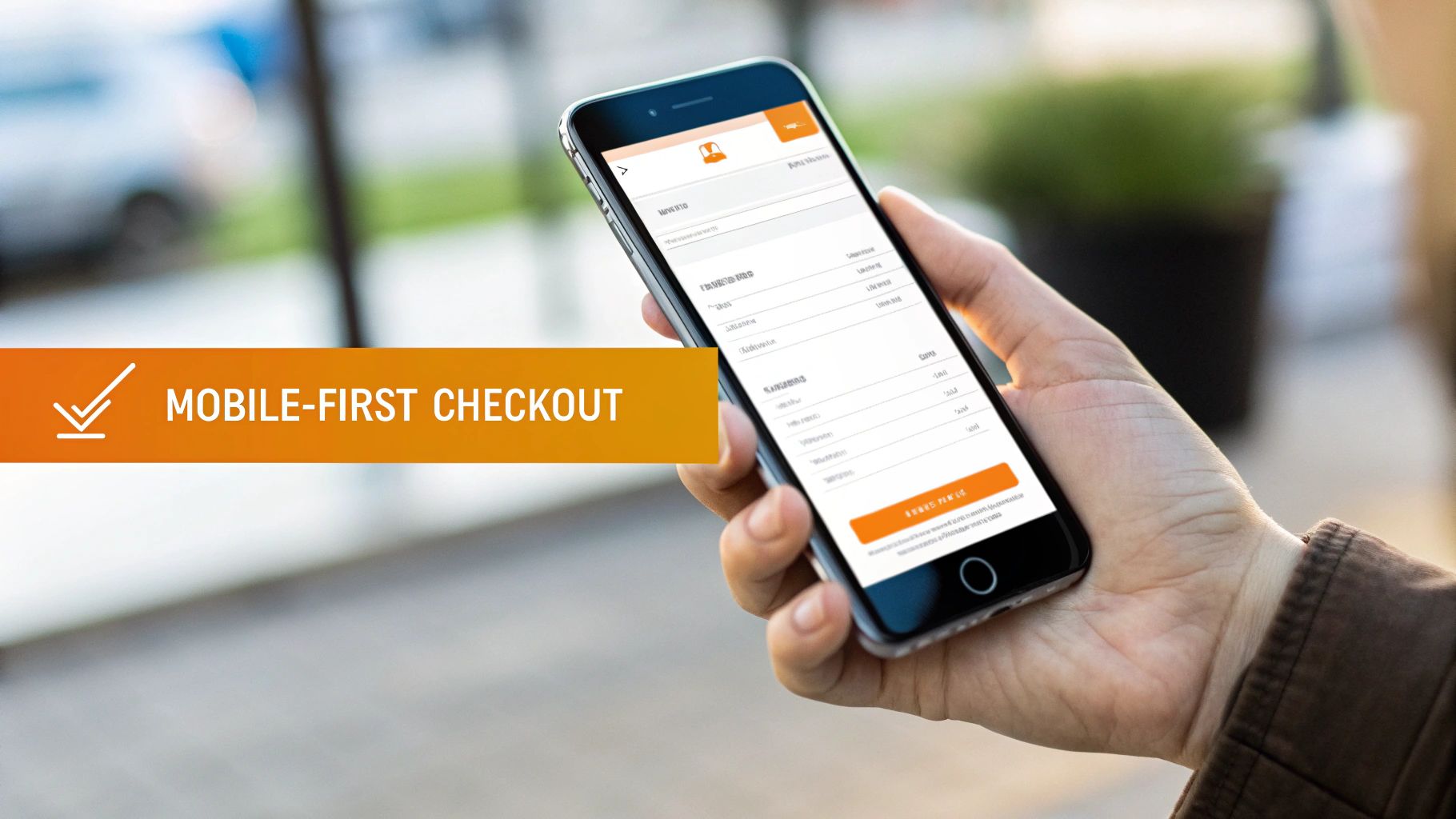
This method directly tackles high mobile cart abandonment rates by focusing on larger touch targets, simplified forms, and vertical scrolling optimization. The goal is to create a frictionless journey that feels native to the device, making it one of the most critical ecommerce checkout best practices for modern businesses.
How to Implement a Mobile-First Checkout
For businesses in competitive markets like Los Angeles and its surrounding areas, from the South Bay to the San Fernando Valley, a flawless mobile checkout is key to capturing sales.
Optimized Themes: Platforms like Shopify and BigCommerce offer mobile-first checkout templates that are rigorously tested for conversion on small screens.
Responsive Frameworks: When building a custom site, use responsive frameworks like Webflow to create checkout systems that adapt seamlessly to any device.
Mobile Payment Forms: Payment processors like Square provide embedded, mobile-optimized payment forms that are designed for touch input and fast performance.
Actionable Tips for Optimization
To ensure your mobile checkout converts effectively, focus on these critical details:
Design for Thumbs: Use finger-friendly button sizes, with a minimum touch target of 48x48 pixels to prevent mis-taps.
Test on Real Devices: Don't rely solely on browser emulation. Test your checkout process on actual iOS and Android devices of various sizes.
Optimize Form Fields: Use appropriate input types (e.g., for phone numbers) to trigger the correct mobile keyboards, and minimize dropdown menus in favor of radio buttons.
Prioritize Speed: Ensure your checkout page loads in under two seconds on a standard 4G network to keep impatient mobile shoppers engaged.
A superior mobile experience is a direct result of thoughtful design. You can discover more about boosting conversions with responsive web design best practices for 2025 to further enhance your site's performance across all devices.
8. Trust Signals & Security Badges
One of the most critical ecommerce checkout best practices is to prominently display trust signals and security badges. These visual cues serve as instant reassurance, alleviating customer anxiety about sharing sensitive payment information online. When a shopper sees familiar logos like Norton, McAfee, or their credit card company, it validates the security and legitimacy of your checkout process, directly combating a primary cause of cart abandonment.
The goal is to build an impenetrable sense of confidence at the exact moment a customer is most vulnerable. By strategically placing these indicators near call-to-action buttons and form fields, you interrupt potential hesitation with a clear message: "Your data is safe here." This is essential for all businesses, from a fashion startup in Beverly Hills to a professional services firm in Downtown Los Angeles.
How to Implement Trust Signals
Integrating trust signals effectively is about more than just adding images; it's a strategic move to build credibility and is achievable for businesses of any size.
Platform Features: Most ecommerce platforms like Shopify and BigCommerce automatically display an SSL certificate (the padlock icon) and often have built-in sections in their checkout themes for adding security badges and payment logos.
Third-Party Badges: Services like McAfee Secure or Norton Shopping Guarantee provide badges that businesses can display after passing security scans. These often link to a verification page, adding another layer of authenticity.
Manual Placement: Add images of accepted credit cards (Visa, Mastercard) and alternative payments (PayPal, Apple Pay) in your site's footer and directly within the checkout flow. Display money-back guarantee messaging as text near the final purchase button.
Actionable Tips for Optimization
To leverage trust signals for maximum impact and improve your conversion rates, focus on these key actions:
Prioritize the SSL Certificate: Ensure your entire site uses HTTPS. The padlock icon in the browser's address bar is the most fundamental and universally recognized trust signal.
Place Signals Strategically: Position security seals, payment logos, and guarantee messages directly below the "Complete Purchase" button. This is the final point of friction where reassurance is most needed.
Showcase Customer Proof: Integrate a snippet of a top-rated customer review or testimonial directly on the checkout page. Real-world validation from other buyers is incredibly powerful.
Monitor Brand Reputation: Building trust is paramount. Demonstrating a commitment to your brand's reputation through active ecommerce brand monitoring solutions can significantly enhance customer confidence.
Effectively deploying trust signals is a cornerstone of a high-converting checkout experience. To further secure your entire digital presence, you can learn more about foundational website security practices that complement these efforts.
9. Coupon Code & Discount Code Placement
Strategically placing the coupon code field is a critical ecommerce checkout best practice that directly impacts conversions and customer psychology. A visible but not overly prominent discount field prevents "coupon hunting," where users leave your site to search for codes. Instead, it rewards loyal customers who already have a code without interrupting the flow for full-price buyers.
The goal is to make applying a discount a seamless part of the transaction, not a frustrating distraction. By placing the field in the order summary area, you allow customers to see their savings applied instantly, reinforcing their purchase decision and reducing last-minute abandonment. This small UI/UX choice has a significant effect on both user experience and profitability.
How to Implement Strategic Coupon Placement
This tactic is essential for businesses looking to maximize promotional effectiveness, from boutique shops in Beverly Hills to growing brands in the San Fernando Valley.
Platform Features: Most ecommerce platforms like Shopify or WooCommerce allow you to control the placement of the coupon field within their checkout settings. Look for options to position it within the cart summary or order review step.
Checkout Customization: Use your platform’s theme editor or a small amount of custom CSS to adjust the visibility and styling of the promo code box, ensuring it’s intuitive but not distracting.
Marketing Automation Tools: Integrate your email marketing platform to generate one-click discount links. When a user clicks a link from a campaign, the discount is applied automatically at checkout, removing the need for manual entry.
Actionable Tips for Optimization
To get the most value from your discount code strategy, implement these tips:
Keep It Visible Above the Fold: Place the field in the order summary where users can see it without scrolling. A simple text link like "Have a promo code?" is often effective.
Use AJAX for Instant Updates: Allow the discount to be applied without a full page reload. The customer should see their subtotal update immediately, providing instant gratification.
Provide Clear Feedback: Use clear messaging for both valid and invalid codes. A message like "Sorry, that code is expired or invalid" prevents user confusion and frustration.
Track Code Performance: Use analytics to track which codes drive the most sales and their impact on profit margins. This data is key to refining future promotional campaigns.
Optimizing your coupon field placement is a powerful lever for improving checkout conversions. For more insights on refining your entire sales funnel, you can explore our guide on conversion rate optimization services to build a more profitable ecommerce experience.
10. Post-Checkout Email Confirmation & Follow-Up Sequence
The customer's journey doesn't end when they click "buy." One of the most critical ecommerce checkout best practices is implementing a robust post-checkout email confirmation and follow-up sequence. This strategy immediately reassures customers that their order was successful and keeps them engaged, transforming a one-time transaction into a long-term relationship.
A prompt, detailed confirmation email builds immediate trust and reduces "buyer's remorse." It provides all the necessary information at a glance, minimizing customer support inquiries. Subsequent emails about shipping, delivery, and feedback requests keep your brand top-of-mind and demonstrate a commitment to a positive customer experience, which is key for retention.
How to Implement a Post-Checkout Email Sequence
Implementing a strategic email follow-up is vital for businesses looking to build loyalty, from local artisans in Venice to professional service providers in Downtown Los Angeles. Most ecommerce platforms have powerful built-in tools for this.
Platform Automation: Services like Shopify and BigCommerce have built-in, customizable email automation for order confirmations, shipping updates, and delivery notifications. These can be easily branded to match your store's look and feel.
Email Marketing Integrations: Tools like Klaviyo or Mailchimp integrate directly with your ecommerce store, allowing you to create sophisticated, multi-step follow-up sequences based on customer behavior and purchase history.
Custom API Triggers: For bespoke systems, your development team can set up transactional email services like SendGrid or Postmark to trigger specific emails based on order status updates in your backend system.
Actionable Tips for Optimization
To make your post-purchase emails as effective as possible, focus on clarity, timing, and value:
Send Confirmation Immediately: The order confirmation email should arrive in the customer's inbox within five minutes of purchase.
Include Key Details: Prominently display the order number, a summary of items purchased, total cost, and shipping address. Provide a direct link to track the package.
Automate Shipping Updates: Trigger emails automatically when the order is shipped and again when it's out for delivery. Amazon's real-time tracking notifications are a great example of this.
Request Feedback Strategically: A few days after delivery, send an email asking for a product review. This shows you value their opinion and provides you with valuable user-generated content.
Encourage the Next Purchase: In a final follow-up email, include a discount code or personalized recommendations based on their recent purchase to incentivize a return visit.
Top 10 Ecommerce Checkout Best Practices Comparison
Solution | Implementation Complexity 🔄 | Resource & Maintenance ⚡ | Expected Outcomes ⭐📊 | Ideal Use Cases 💡 | Key Advantages ⭐ |
|---|---|---|---|---|---|
Streamlined Single-Page Checkout | 🔄 Medium–High — responsive layout & progressive logic | ⚡ Moderate — UX dev, validation, analytics | ⭐📊 +15–25% conversion; -25–35% abandonment | 💡 Retail e‑commerce with high mobile traffic | ⭐ Faster checkout, lower friction, better mobile UX |
Guest Checkout Option | 🔄 Low — toggle auth flow and email capture | ⚡ Low — minimal upkeep; CRM follow-up needed | ⭐📊 +15–20% first-time conversions; faster flow | 💡 New customers, one-time buyers, promotions | ⭐ Removes sign-up barrier; quicker purchases |
Multiple Payment Options & Digital Wallets | 🔄 Medium — multiple processor integrations & compliance | ⚡ Moderate–High — fees, PCI scope, maintenance | ⭐📊 +15–25% completion with 3+ options; higher AOV | 💡 International stores, Gen Z targets, high-value items | ⭐ Choice of payments; faster checkout; fraud reduction |
Address Auto-Fill & Form Intelligence | 🔄 Medium — third‑party APIs and validation logic | ⚡ Moderate — API costs, updates, privacy compliance | ⭐📊 Faster checkout (-30–40s); -20–30% delivery errors | 💡 Delivery-heavy businesses; mobile shoppers | ⭐ Improved data accuracy; fewer support tickets |
Clear Progress Indicators & Order Review | 🔄 Low–Medium — UI state management and review UI | ⚡ Low — design updates and testing | ⭐📊 +5–10% completion; fewer refunds/returns | 💡 High‑value orders, complex carts, subscriptions | ⭐ Builds confidence; catches errors before payment |
Transparent Pricing (No Hidden Fees) | 🔄 Medium — tax & shipping rate integrations | ⚡ Moderate — carrier/tax updates, rate calculations | ⭐📊 -12–15% abandonment; increased trust & AOV | 💡 Multi-location or international sellers | ⭐ Prevents sticker shock; improves credibility |
Mobile-First Responsive Checkout Design | 🔄 Medium — mobile-first UI and extensive device testing | ⚡ Moderate — ongoing cross-device QA and performance | ⭐📊 +20–30% mobile conversions; lower mobile abandonment | 💡 Mobile-heavy traffic sites; B2C retail | ⭐ Superior mobile UX; better SEO and accessibility |
Trust Signals & Security Badges | 🔄 Low — add verified badges and messaging | ⚡ Low — badge renewal and verification | ⭐📊 +5–15% first-time conversions; less anxiety | 💡 New/unknown brands; security‑sensitive purchases | ⭐ Increases credibility; reduces buyer hesitation |
Coupon & Discount Code Placement | 🔄 Low — UI placement and validation logic | ⚡ Low–Moderate — promo management and analytics | ⭐📊 Recovers 5–10% abandoned carts; affects margins | 💡 Promotional campaigns, seasonal sales, loyalty | ⭐ Recovers price-sensitive buyers; tracks promo efficacy |
Post-Checkout Email Confirmation & Follow-Up | 🔄 Low–Medium — email automation and templating | ⚡ Moderate — deliverability, content upkeep | ⭐📊 +15–25% repeat purchases; -30–40% support inquiries | 💡 Any ecommerce; subscription and repeat-buy models | ⭐ Reassures customers; drives retention and upsells |
Turn Your Checkout Into a Conversion Engine with Expert Help
The journey from a curious browser to a loyal customer culminates in a single, critical moment: the checkout. As we've detailed, this final step is not merely a transactional formality; it is the ultimate test of your store’s user experience, trustworthiness, and customer-centric design. Implementing even a few of these ecommerce checkout best practices can dramatically reduce cart abandonment and significantly boost your conversion rates. The core philosophy is simple yet powerful: remove every obstacle, eliminate every doubt, and make the path to purchase as smooth and secure as possible.
Your goal is to make buying from you feel effortless. This means embracing a guest checkout option to welcome first-time shoppers, integrating digital wallets like Apple Pay and Google Pay for one-click convenience, and using intelligent forms with address auto-fill to minimize typing. Every field removed, every click saved, and every moment of confusion avoided contributes directly to a healthier bottom line.
Key Takeaways for Immediate Impact
Reflecting on the strategies covered, three core pillars stand out as non-negotiable for a high-converting checkout process:
Friction Reduction: This is the foundational principle. A streamlined, single-page or multi-step design with a clear progress indicator prevents user fatigue. Mobile-first responsiveness is no longer optional; it's essential, as a growing majority of shoppers finalize purchases on their phones.
Trust Amplification: Customers will not share their payment information if they feel even a hint of uncertainty. Prominently displayed security badges (like SSL certificates), transparent pricing with no last-minute surprise fees, and a professional, error-free interface are your primary tools for building confidence.
Clarity and Communication: From start to finish, the customer should know exactly where they are, what to do next, and what to expect after their purchase. Clear order review stages prevent mistakes, while a well-crafted post-purchase email confirmation immediately reassures them that their order was successful.
Ultimately, mastering these ecommerce checkout best practices is about demonstrating respect for your customer's time and trust. It signals that you have considered their needs at every turn, transforming a potentially frustrating process into a seamless and reassuring experience that encourages not just a single sale, but repeat business and brand loyalty.
Putting Best Practices into Action in Los Angeles and Beyond
Implementing these optimizations requires technical expertise and a deep understanding of user behavior. For small and local businesses, particularly those in the competitive Southern California market, a flawless checkout is a key differentiator. At DLL Studios, we specialize in translating these principles into tangible results for our clients on platforms like Wix Studio, Webflow, and WordPress.
Los Angeles is at the center of our service area, and we proudly support clients across a wide network of surrounding cities and neighborhoods throughout Southern California. Our reach includes every corner of L.A.—from Downtown Los Angeles, Hollywood, West Hollywood, Beverly Hills, and Santa Monica to the beach communities of Malibu, Venice, Marina del Rey, Hermosa Beach, Manhattan Beach, and Redondo Beach. We also extend service through the San Fernando Valley, including Sherman Oaks, Studio City, Encino, Van Nuys, North Hollywood, Burbank, Glendale, Pasadena, Woodland Hills, Chatsworth, Canoga Park, Reseda, Northridge, and Tarzana. In the San Gabriel Valley, we work with clients in Alhambra, Monterey Park, San Gabriel, Temple City, Rosemead, Arcadia, El Monte, South El Monte, West Covina, Covina, Baldwin Park, Azusa, Glendora, Duarte, and Monrovia. Farther southeast, we serve Whittier, Pico Rivera, Downey, Norwalk, La Mirada, La Habra, and Cerritos. We also support the South Bay—including Torrance, Carson, Gardena, Hawthorne, Inglewood, and Long Beach—as well as the Gateway Cities and communities throughout the I-10, I-5, 101, and 405 corridors. Whether you’re in a major metro area or a smaller surrounding neighborhood, our team delivers reliable, high-quality service anywhere in or around Los Angeles.
Don't let a clunky, untrustworthy checkout process undermine your marketing efforts and cost you valuable sales. The path to higher revenue starts at the end of your sales funnel.
Ready to transform your checkout from a point of friction into your most powerful conversion tool? The team at DLL Studios specializes in implementing these exact ecommerce checkout best practices to help businesses across Los Angeles and Southern California maximize their online revenue. Schedule your complimentary consultation by visiting DLL Studios or calling us at (650) 260-4067 to start building a better checkout today.
