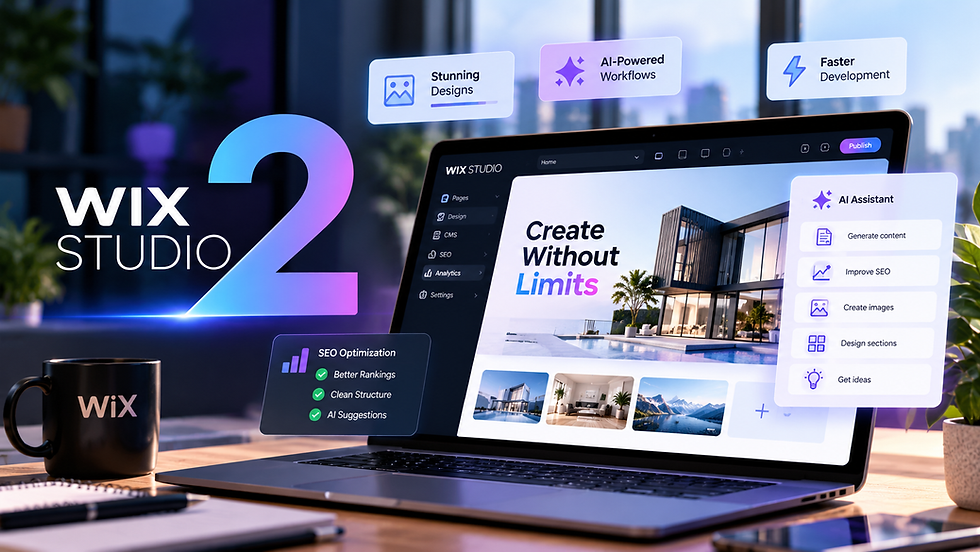
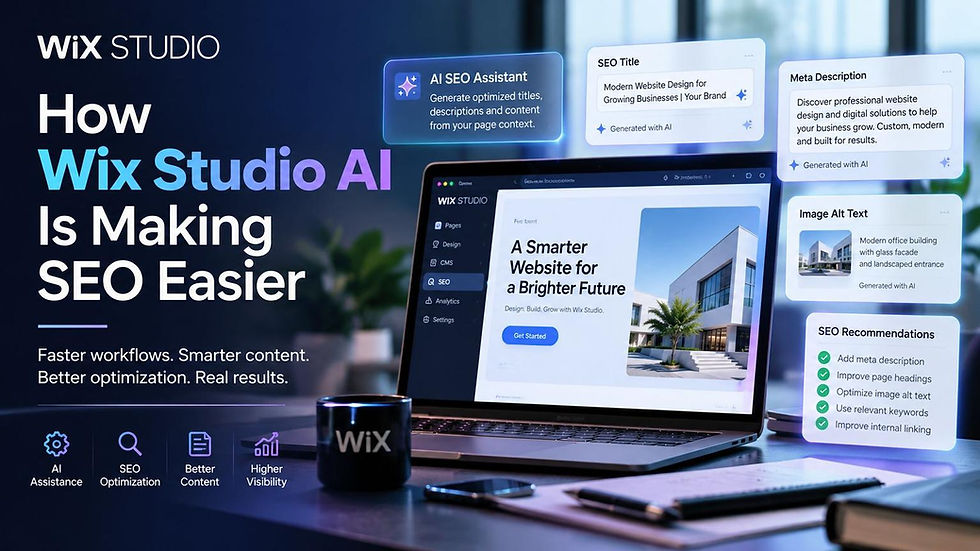
.png)

Wix Studio 2: A First Look at the Future of Professional Website Design
Updated: Oct 3
My take: Wix Studio 2 looks like a major platform reset, not a small update. From what Wix showed in its partner preview, the big idea is simple: use AI to cut build time, while keeping agencies in control of branding, SEO, accessibility, and site structure.
Here’s the short version:
Studio 2 is still in preview and is expected to roll out by late summer 2026
The platform centers on a rebuilt editor with more direct on-canvas editing
Plan Mode turns early discovery into a structured project brief
Aria 2.0 helps with pages, copy, layouts, and tool suggestions inside the workflow
AI Skills let agencies save rules for type, spacing, padding, layout, and brand use
New projects start with 2 default breakpoints: desktop and mobile
Wix says current Studio projects will stay supported, with migration tools planned
If you run a U.S. business or agency, that matters for one reason: time saved on setup and repeat tasks can shift more attention to decisions that affect leads, rankings, and user experience.
A few numbers stand out right away:
3 default breakpoints at the start
More global changes can update styles across a full site
End of Year 2026 is the stated rollout window
What I see here is a clearer split of labor: AI handles the repeat work, and people still handle judgment. That is the main point to watch as Studio 2 gets closer to release.
The Next Version of Wix Studio (Wix Studio 2) Is Coming, My Initial Reaction
sbb-itb-83822d8
Platform Shift: A Rebuilt Editor With AI Built Into the Workflow
Wix Studio 2 puts a cleaner editor at the center of the product, with AI built right into the day-to-day workflow. The point of that rebuild is simple: help teams move faster without giving up the control agencies need for custom client work.
What Stays the Same: Flexibility, Control, and Custom Workflows
Studio 2 still supports custom builds, detailed edits, and agency-level control. Teams can start from scratch, override AI-generated layouts, and manage each design choice without getting boxed into a rigid workflow.
What Changes: Cleaner Interface and Direct On-Canvas Editing
AI now lives inside the editor itself, which makes onboarding simpler while keeping pro-level control in place. The interface has been redone in dark mode by default, with less clutter, easier access to tools teams use all the time, and more direct editing on the canvas. That means common design tasks take fewer clicks and less time inside property panels.
This new base also makes room for Plan Mode, Aria 2.0, and reusable AI Skills.
With the editor rebuilt, the bigger shift is how projects now start and grow. Wix Studio 2 puts the focus on three workflow changes: Plan Mode, Aria 2.0, and reusable AI Skills. The idea is simple: move faster without handing over control. Agencies can speed up production while still setting the rules.
Plan Mode Turns Discovery Into a Structured Project Brief
Plan Mode pulls in business details, audience information, brand preferences, and site structure before design begins.
That matters because early project work can get messy fast. Notes live in emails, calls, docs, and random messages. Plan Mode turns that discovery stage into something more structured, so the brief is clearer before anyone starts laying out pages.
Aria 2.0 Works More Like a Design Collaborator Than a Content Tool
Aria 2.0 acts less like a basic copy helper and more like a design partner inside the workflow.
It can suggest business tools, generate pages, rewrite copy, adjust layouts, and recommend sections. So instead of using AI for just one job, teams can use it across multiple parts of a build. That can shave time off production without forcing agencies into a one-size-fits-all process.
That same workflow also carries into repeatable design standards for future projects.
AI Skills Could Help Agencies Standardize Quality Across Projects
AI Skills let agencies save spacing, typography, padding, layout, and brand rules as reusable instructions.
In plain English, that means less setup work on each new site and more consistency across client projects. If an agency already knows how it wants pages spaced, styled, and structured, it doesn't have to start from scratch every time. The team sets the standards, and the system follows them. Human oversight still defines the standards.
Design System and Responsive Updates That Could Cut Production Time
The automation doesn’t stop at content or planning. Studio 2 also changes the design system itself, especially around responsive design and global styling. And that matters because these are the parts of site work that often eat up hours during builds, updates, and upkeep.
Simpler Responsive Setup Starting With Desktop and Mobile
Studio 2 begins each new project with just two breakpoints: desktop and mobile. That simpler starting point lowers early build complexity and makes the first setup less of a chore.
It also automatically generates a mobile layout, which cuts a lot of the manual work teams usually do when adjusting designs for smaller screens. Designers still have room to fine-tune the mobile experience when needed. And if a layout calls for more control, extra breakpoints can still be added.
That same time-saving approach shows up in sitewide styling too.
Global Styles Make Site-Wide Changes Easier to Manage
Studio 2 expands global style controls for buttons, typography, containers, and shared components. Change a global style once, and every instance across the site updates with it. So instead of making the same edit over and over, teams can handle sitewide changes in one move.
Typography also shifts to responsive type ranges instead of local overrides. That helps text scale more evenly across screen sizes and cuts down on those one-off style fixes that tend to pile up.
For agencies working across multiple client sites, that can mean faster updates without digging through pages to find individual style exceptions. It also means less time spent on repetitive edits and more time focused on client-specific work.
What This Means for Agencies, Migration Planning, and Next Steps
Where Agencies May Gain the Most Value
When planning, editing, and day-to-day response work take less effort, agencies get something more useful than raw speed: time for better decisions.
That’s where Studio 2 may matter most. The main win isn’t just doing things faster. It’s what that extra time can go toward: strategy, design choices, SEO, and client review. With Plan Mode, Aria 2.0, and AI Skills handling more of the planning and production work, teams can spend less time pushing tasks through and more time on the parts of a project that shape results.
Migration and Rollout Considerations for Current Wix Studio Users
Wix said current Studio projects will stay supported, and migration tools are planned for the new editor. Rollout is expected to finish by late summer 2026.
So this probably isn’t something agencies should ignore until the public release lands. It makes more sense to start planning now, especially for teams thinking about a new build or a move from an existing setup.
The Main Takeaway From This First Look
Studio 2 feels less like a simple feature update and more like a platform reset. Plan Mode, Aria 2.0, AI Skills, and a cleaner editor all point in the same direction: faster production without giving up control.
For agencies planning a new site or a migration, the smart move is to watch the rollout now.
FAQs
Who should use Wix Studio 2?
Wix Studio 2 is built for designers, developers, and agencies that want AI to speed up production without giving up creative control.
It’s a strong fit for teams that need customization, scalability, faster workflows, and reusable standards across many website projects.
Will I need to rebuild my current site?
No. Current Wix Studio websites will still be supported, and migration tools are planned to help users move to the new editor when it becomes available.
Existing premium plans are also expected to stay the same, which should help agencies move to Wix Studio 2 with minimal disruption.
How much control does AI have?
AI works as an assistant, not the one calling the shots. In Wix Studio 2, it helps speed up work like generating layouts, writing content, suggesting apps, and organizing projects.
Designers and agencies still stay in full control of customization, design decisions, and how the site grows over time.