


.png)
The 7 Best CMS for Small Business in Southern California (2025 Guide)
Selecting the right Content Management System (CMS) is a foundational decision for your small business. It's the engine that powers your website, defining everything from how you publish content and manage leads to how easily you can adapt to future growth. A poorly chosen platform can lead to technical headaches, security vulnerabilities, and missed opportunities. Conversely, the best cms for small business operations streamlines your workflow, enhances your online presence, and directly supports your revenue goals, whether you're a startup, a local service provider, or a growing ecommerce brand.
This guide is designed to cut through the noise and provide clear, actionable comparisons of the top CMS platforms available today. We move beyond generic praise to give you a detailed look at what makes each option unique, including specific use cases, pricing structures, and extensibility. Whether your priority is creating a stunning portfolio, optimizing for local SEO to attract patients, or building a robust online store, this roundup will help you make an informed choice. We'll explore leading platforms like WordPress, Wix, Squarespace, Shopify, and more, offering a comprehensive overview tailored to the distinct needs of small business owners.
Los Angeles is at the center of our service area, and we proudly support clients across a wide network of surrounding cities and neighborhoods throughout Southern California. Our reach includes every corner of L.A.—from Downtown Los Angeles, Hollywood, West Hollywood, Beverly Hills, and Santa Monica to the beach communities of Malibu, Venice, Marina del Rey, Hermosa Beach, Manhattan Beach, and Redondo Beach. We also extend service through the San Fernando Valley, including Sherman Oaks, Studio City, Encino, Van Nuys, North Hollywood, Burbank, Glendale, Pasadena, Woodland Hills, Chatsworth, Canoga Park, Reseda, Northridge, and Tarzana. In the San Gabriel Valley, we work with clients in Alhambra, Monterey Park, San Gabriel, Temple City, Rosemead, Arcadia, El Monte, South El Monte, West Covina, Covina, Baldwin Park, Azusa, Glora, Duarte, and Monrovia. Farther southeast, we serve Whittier, Pico Rivera, Downey, Norwalk, La Mirada, La Habra, and Cerritos. We also support the South Bay—including Torrance, Carson, Gardena, Hawthorne, Inglewood, and Long Beach—as well as the Gateway Cities and communities throughout the I-10, I-5, 101, and 405 corridors. Whether you’re in a major metro area or a smaller surrounding neighborhood, our team delivers reliable, high-quality service anywhere in or around Los Angeles.
1. WordPress.com
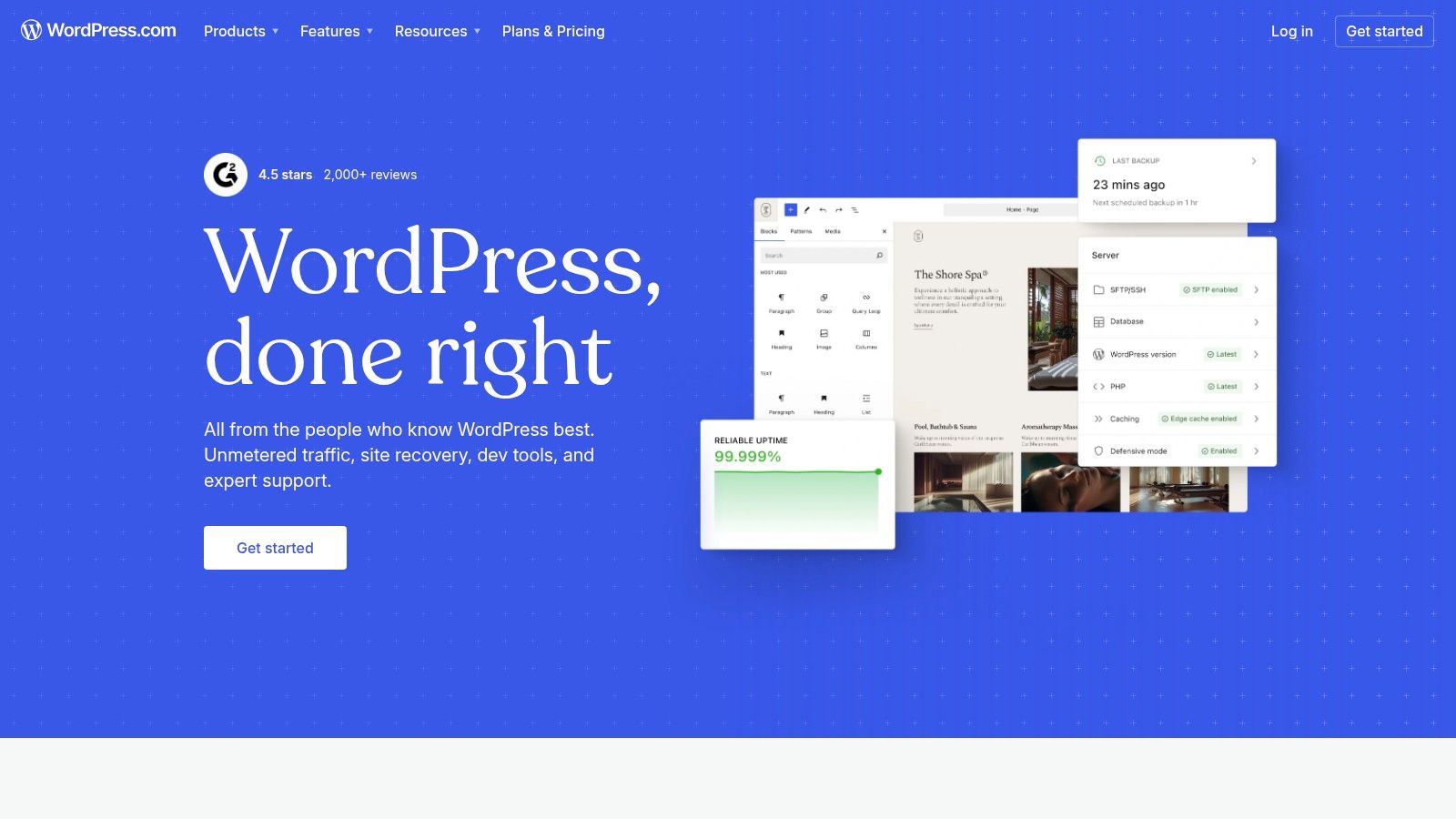
WordPress.com is the fully hosted, managed version of the world's most popular Content Management System. It offers a simplified path for small businesses to leverage the power of WordPress without the technical overhead of managing their own hosting, security, or updates. This platform is an excellent choice for content-focused businesses, like service providers or consultants, that want a robust blogging engine and the potential to scale into a full-fledged ecommerce store or complex marketing site later.
The platform streamlines the website creation process, providing managed hosting that includes automatic backups, software updates, and robust security protocols. For businesses in competitive markets like Los Angeles, where a strong online presence is non-negotiable, having a reliable and performant foundation is crucial. This managed environment lets you focus on creating content and growing your business rather than server administration.
Key Features & Benefits
WordPress.com excels with its built-in tools and scalability. It includes integrated SEO features to help you rank higher, a powerful blogging interface, and AI-assisted content and site creation tools to speed up development. The user interface is more guided than its self-hosted counterpart, making it more approachable for beginners.
Managed Hosting: Security, backups, and updates are handled for you, ensuring optimal performance and peace of mind.
Scalability: Start with a simple blog or brochure site and upgrade to plans that support custom plugins, advanced themes, and full ecommerce functionality via WooCommerce.
Vast Ecosystem: On higher-tier plans (Business and up), you gain access to the legendary WordPress library of over 50,000 plugins and thousands of themes for near-limitless customization.
Ease of Use: A simplified dashboard and setup process make it easier to get started compared to self-hosting WordPress.
Ideal Use Cases and Pricing
WordPress.com is particularly well-suited for businesses where content is a key marketing driver. This includes professional service providers in areas like the San Fernando Valley, from Sherman Oaks to Glendale, who rely on blogging to attract clients. It's also a strong contender for portfolios, local business directories, and startups that need a professional site quickly.
Plan Tier | Price (Billed Annually) | Key Features | Best For |
|---|---|---|---|
Free | $0 | Basic design, limited storage | Hobbyists, testing the platform |
Personal | ~$4/mo | Custom domain, no ads | Personal blogs, simple portfolios |
Premium | ~$8/mo | Premium themes, Google Analytics | Freelancers, professional bloggers |
Business | ~$25/mo | Plugin & theme uploads, SEO tools | Most small businesses, service providers |
Commerce | ~$45/mo | Full ecommerce features | Online stores, retailers |
Pros and Cons
While WordPress.com simplifies website management, it's essential to understand its trade-offs.
Pros:
Simplicity and Security: Excellent for those who want WordPress power without server maintenance.
Performance: Optimized hosting ensures fast load times out of the box.
Strong Support: Access to dedicated support staff (on paid plans).
Cons:
Plan-Gated Features: Full customization (plugins, custom themes) requires a more expensive Business or Commerce plan.
Cost: Can be more costly over time than self-hosting, especially with add-ons.
Less Control: You have less direct control over the server environment compared to WordPress.org.
Our Take: For small businesses prioritizing ease of use, security, and a clear growth path, WordPress.com is a leading contender for the best CMS for small business. It removes the steepest technical hurdles of web management while keeping the door open for future expansion. To ensure your site makes a strong first impression, explore these expert tips for small business website design.
Learn more at: https://wordpress.com
2. Wix
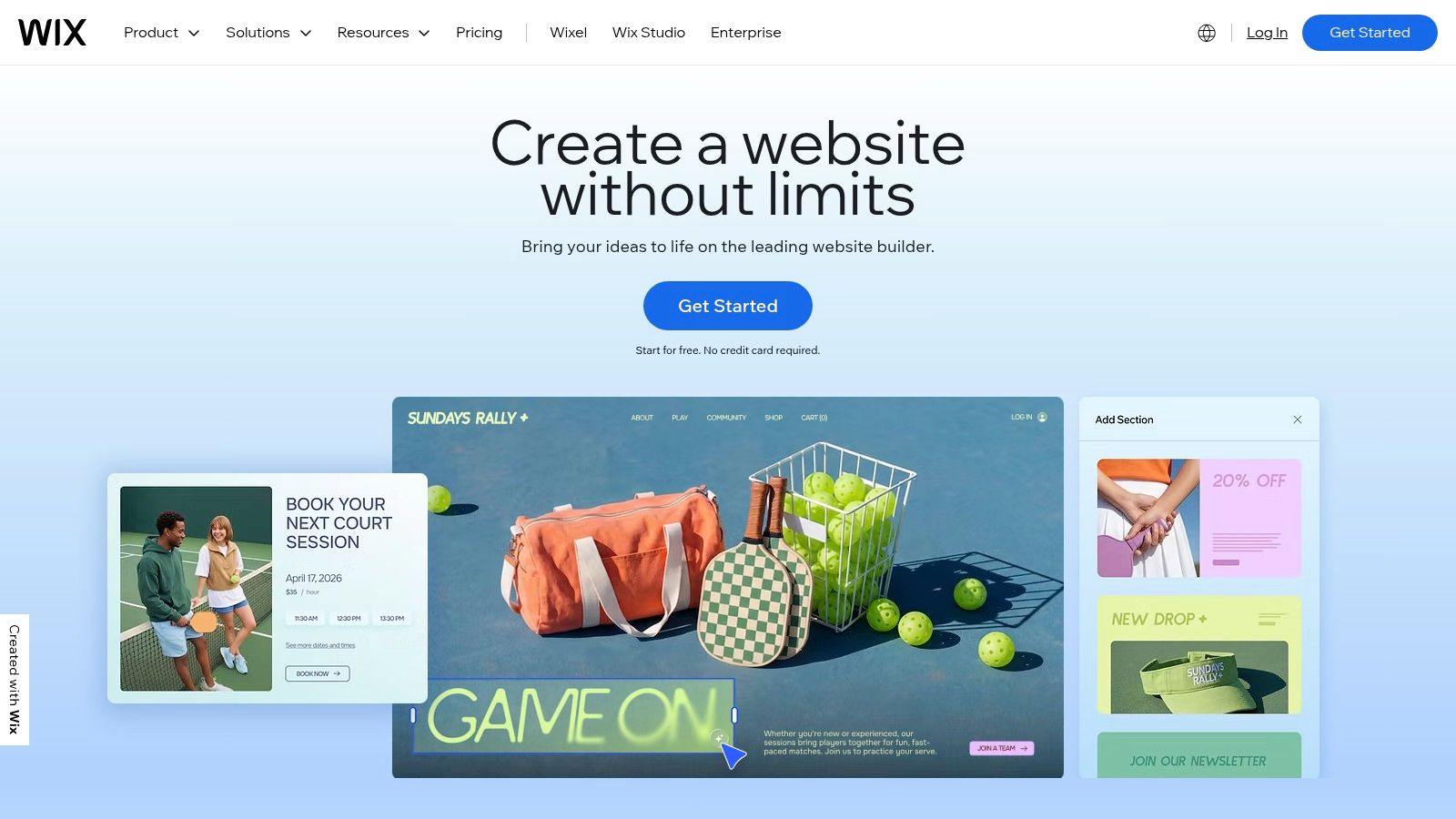
Wix is a powerful all-in-one website builder and CMS designed for small businesses that prioritize speed, ease of use, and integrated functionality. It’s an ideal solution for service providers, local shops, and entrepreneurs who need a professional online presence quickly without a steep learning curve. With its intuitive drag-and-drop editor and AI-powered site creation tools, Wix empowers businesses to manage their website, marketing, and customer relationships all from a single, unified dashboard.
The platform provides a fully hosted environment, meaning all technical aspects like security, updates, and performance are handled for you. This is a significant advantage for businesses in competitive local markets, from the San Fernando Valley to the South Bay, who need to focus on serving clients rather than managing server configurations. Wix allows you to launch a polished, feature-rich site in a fraction of the time it might take with more complex systems.
Key Features & Benefits
Wix stands out with its comprehensive suite of built-in business tools. It's more than just a website builder; it's a complete operating system for a small business. The platform's App Market further extends its capabilities, allowing for tailored solutions as your business grows.
All-in-One Business Solution: Includes built-in CRM, email marketing, scheduling (Wix Bookings), event management, and payment processing.
User-Friendly Editors: Offers both a classic drag-and-drop editor for total visual control and an AI site builder (Wix ADI) that creates a website for you in minutes.
App Market: Access hundreds of third-party and native apps to add features like loyalty programs, advanced forms, and industry-specific tools.
Managed & Secure: Multi-cloud hosting, automatic backups, and enterprise-grade security are included, along with 24/7 customer support.
Ideal Use Cases and Pricing
Wix is exceptionally well-suited for service-based businesses like restaurants, salons, consultants, and fitness studios that need integrated booking and scheduling. It's also a strong choice for artists' portfolios, event promoters, and small ecommerce stores that want an easy-to-manage, visually appealing storefront.
Plan Tier | Price (Billed Annually) | Key Features | Best For |
|---|---|---|---|
Light | ~$16/mo | Custom domain, 2GB storage | Portfolios, simple service sites |
Core | ~$27/mo | Basic ecommerce, 50GB storage, bookings | Service businesses, small stores |
Business | ~$32/mo | Standard ecommerce, advanced shipping | Growing online retailers |
Business Elite | ~$159/mo | Advanced ecommerce, priority support | High-volume stores, established businesses |
Pros and Cons
Wix makes website creation accessible to everyone, but it's important to consider its limitations compared to more open-source platforms.
Pros:
Speed and Simplicity: Incredibly fast setup with hundreds of professional, industry-specific templates.
Integrated Business Tools: Robust native features for bookings, events, and marketing eliminate the need for many third-party plugins.
Zero Maintenance: Hosting, security, and all technical upkeep are completely managed by Wix.
Cons:
Limited Customization: While flexible, it offers less deep-level code customization and content modeling than a developer-focused CMS.
Potential for Added Costs: Relying on numerous premium apps from the App Market can increase monthly expenses.
Template Lock-in: Once you choose a template and build your site, you cannot easily switch to a different one without rebuilding.
Our Take: For small businesses that need an all-in-one platform to get online fast and manage everything from bookings to marketing in one place, Wix is a top-tier choice. It is arguably the best CMS for small business owners who value simplicity and integrated features over granular technical control. To see how it stacks up against other major players, check out this in-depth comparison of Wix Studio vs. WordPress vs. Shopify.
Learn more at: https://www.wix.com
3. Squarespace
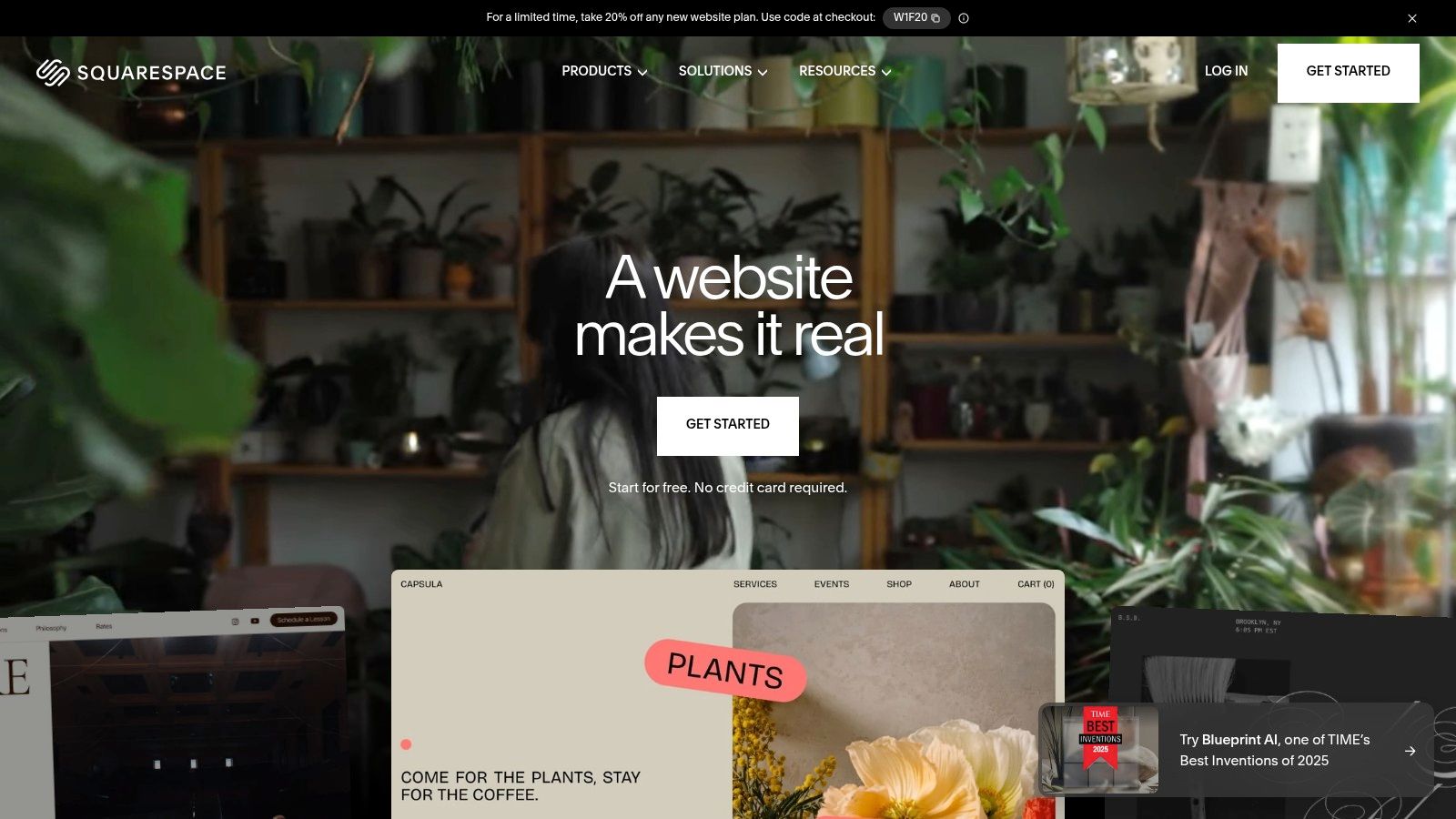
Squarespace is a design-forward, all-in-one website builder celebrated for its high-quality templates and an exceptionally intuitive editing experience. It empowers small businesses and creators to build visually stunning, professional websites without touching a line of code. For businesses that value brand aesthetics and a polished online presence, Squarespace provides an integrated solution that bundles hosting, security, and powerful marketing tools into one cohesive platform.
This unified approach is ideal for service-based businesses in competitive areas like West Hollywood or Beverly Hills, where a sophisticated first impression is critical. Squarespace manages all the technical backend tasks, from security patches to server maintenance, allowing business owners to focus entirely on their content, products, and customers. The platform's what-you-see-is-what-you-get (WYSIWYG) editor makes it simple to create beautiful pages that look great on any device.
Key Features & Benefits
Squarespace stands out for its seamless integration of design and functionality. Every template is professionally designed and mobile-responsive right out of the box. The platform also includes a robust suite of built-in tools for blogging, SEO, ecommerce, and even appointment scheduling, eliminating the need for many third-party plugins.
Award-Winning Design: Access to a curated collection of high-quality, mobile-optimized templates that make your brand look its best.
All-in-One Platform: Hosting, security, domains, and updates are all handled for you. Annual plans typically include a free custom domain for the first year.
Integrated Commerce: Easily sell physical products, digital goods, subscriptions, or services. Higher-tier plans include features for memberships and appointment scheduling.
Built-in Marketing Tools: Includes email marketing campaigns, social media integrations, and detailed analytics to track your site's performance and visitor behavior.
Ideal Use Cases and Pricing
Squarespace is the perfect fit for creative professionals, service providers, and retailers who need a visually compelling website quickly. A boutique in Santa Monica or a design studio in Downtown Los Angeles can launch a beautiful, functional site in a matter of hours. It's also an excellent choice for restaurants, portfolios, and businesses that need integrated booking systems.
Plan Tier | Price (Billed Annually) | Key Features | Best For |
|---|---|---|---|
Personal | ~$16/mo | Custom domain, unlimited bandwidth | Portfolios, blogs, personal sites |
Business | ~$23/mo | Professional email, advanced analytics | Most small businesses, service providers |
Commerce Basic | ~$27/mo | 0% transaction fees, customer accounts | New ecommerce stores |
Commerce Advanced | ~$49/mo | Subscriptions, advanced shipping | Growing online retailers |
Pros and Cons
While Squarespace offers a streamlined and beautiful solution, it's important to weigh its benefits against its limitations.
Pros:
Ease of Use: An incredibly intuitive drag-and-drop editor makes site building fast and simple.
Stunning Design: Best-in-class templates ensure a professional and modern look.
Reliable Support: 24/7 customer support is available to help with any issues.
Cons:
Less Flexibility: The curated nature of the platform means less customization for complex or niche functionality compared to open-source systems.
Transaction Fees: The Business plan carries a 3% transaction fee; you must upgrade to a Commerce plan to remove it.
Limited App Marketplace: While it has integrations (Extensions), the ecosystem is smaller than WordPress's.
Our Take: Squarespace is an outstanding choice for small businesses that prioritize design, simplicity, and an all-in-one solution. It is arguably the best CMS for small business owners who want to launch a visually impressive and highly functional website with minimal technical effort.
Learn more at: https://www.squarespace.com
4. Shopify
Shopify is not just a CMS; it's a comprehensive commerce platform designed from the ground up to help businesses sell products online, in person, and everywhere in between. It is the definitive choice for product-based businesses, from ambitious startups to established retailers, that need a powerful, reliable, and scalable solution for managing inventory, payments, and fulfillment. For businesses focused on ecommerce, Shopify provides an unparalleled set of tools to create a seamless customer experience.
The platform is a fully hosted, all-in-one solution, which means Shopify handles all the technical complexities of security, server maintenance, software updates, and PCI compliance. This allows entrepreneurs in competitive retail environments, from the fashion boutiques of Beverly Hills to the specialized shops in Pasadena, to concentrate on product development, marketing, and customer service instead of worrying about website uptime or security vulnerabilities.

Key Features & Benefits
Shopify's primary strength lies in its tightly integrated commerce ecosystem. It offers a best-in-class checkout experience optimized for conversions, built-in payment processing with Shopify Payments, and powerful tools like abandoned cart recovery to recapture lost sales. The platform's back end is intuitive, making it simple to add products, manage orders, and view detailed analytics on store performance.
All-in-One Commerce Platform: Includes hosting, a robust storefront builder, integrated payment processing, and powerful inventory management tools.
Multi-Channel Selling: Sell effortlessly across your own website, social media platforms (like Facebook and Instagram), and online marketplaces, all managed from a single dashboard.
Shopify App Store: Extend your store's functionality with thousands of apps for marketing, SEO, customer service, and more. To further enhance your e-commerce capabilities, explore the best Shopify apps to grow your store and optimize your operations.
Scalability: The platform scales seamlessly from your first sale to millions in revenue with Shopify Plus, supporting businesses at every stage of growth.
Ideal Use Cases and Pricing
Shopify is the go-to CMS for any business whose primary goal is selling physical or digital products. This includes direct-to-consumer (DTC) brands, dropshippers, and traditional retailers in communities like Torrance or Long Beach looking to build a strong online presence. It's also an excellent choice for businesses that require integrated Point-of-Sale (POS) systems to unify their online and brick-and-mortar operations.
Plan Tier | Price (Billed Annually) | Key Features | Best For |
|---|---|---|---|
Basic | ~$29/mo | Full online store, 2 staff accounts, basic reports | New ecommerce businesses, startups |
Shopify | ~$79/mo | 5 staff accounts, professional reports | Growing businesses with increasing sales volume |
Advanced | ~$299/mo | 15 staff accounts, advanced reports, third-party shipping rates | Scaling businesses that require advanced analytics and shipping |
Pros and Cons
While Shopify is a leader in ecommerce, it's important to consider if its commerce-first approach aligns with your business needs.
Pros:
Ease of Use: Incredibly user-friendly dashboard for managing products, orders, and customers.
Robust Ecommerce Features: Best-in-class checkout, payment processing, and inventory tools are built-in.
Performance and Security: Provides a fast, reliable, and secure hosting environment that is fully managed.
Cons:
Transaction Fees: If you use a third-party payment gateway instead of Shopify Payments, you'll incur additional transaction fees.
Content Management Limitations: While it has a blog, its content management capabilities are not as advanced as a dedicated CMS like WordPress.
Cost of Apps: Relying on numerous paid apps can significantly increase the total monthly cost of the platform.
Our Take: For any small business centered around selling products, Shopify is arguably the best CMS for small business on the market. It offers a powerful, secure, and easy-to-use platform that handles the technical side of ecommerce, freeing you to focus on growing your brand and sales.
Learn more at: https://www.shopify.com
5. Webflow
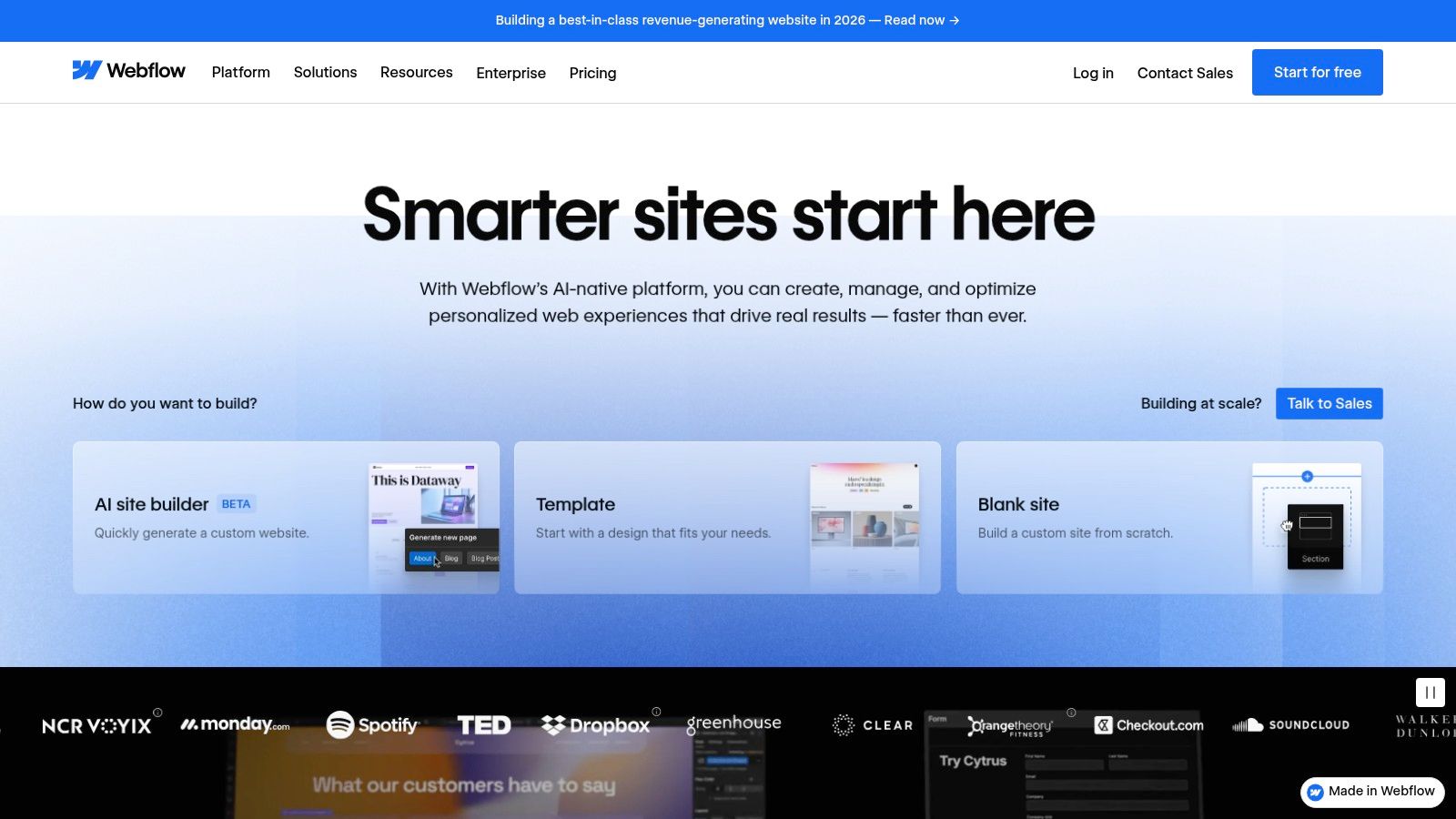
Webflow is a visual, designer-centric Content Management System that uniquely bridges the gap between no-code design tools and production-ready, clean code. It empowers small businesses to create sophisticated, custom websites with complex layouts and interactions without writing a single line of code. This platform is ideal for marketing-focused businesses, design agencies, and startups that demand complete creative control and top-tier performance.
The platform combines a visual design interface with a powerful CMS, built-in hosting, and an SSL certificate, offering an all-in-one solution. For businesses in visually competitive markets like West Hollywood or Beverly Hills, the ability to create a pixel-perfect, highly-branded site is a significant advantage. Webflow produces clean, semantic HTML and CSS, which is excellent for both performance and SEO, giving businesses a solid technical foundation from the start.
Key Features & Benefits
Webflow's standout feature is its Visual Designer, which feels like a professional design tool (like Photoshop) but for building live websites. This is paired with "CMS Collections," a structured way to manage dynamic content like blog posts, team members, or portfolio projects, allowing for incredible flexibility in how content is displayed.
Unmatched Design Control: Build custom layouts, interactions, and animations with a visual canvas that writes clean code for you.
Integrated High-Performance Hosting: Leverages a global CDN (powered by Fastly) for rapid load times, with security and updates managed automatically.
Structured Content (CMS Collections): Define custom content types and easily populate them, creating dynamic, database-driven sites without database management.
Excellent Educational Resources: Webflow University offers extensive, high-quality tutorials that help users master the platform's powerful capabilities.
Ideal Use Cases and Pricing
Webflow is a fantastic choice for businesses that value design and brand identity above all else. This includes creative agencies from Hollywood to Santa Monica, high-end service providers, and startups needing a polished marketing site. It's also a powerful tool for businesses requiring unique layouts that standard templates can't accommodate.
Plan Tier (Site Plans) | Price (Billed Annually) | Key Features | Best For |
|---|---|---|---|
Starter | $0 | Webflow.io subdomain, 50 CMS items | Learning the platform, personal projects |
Basic | ~$14/mo | Custom domain, 50GB bandwidth | Simple sites without a CMS (e.g., landing pages) |
CMS | ~$23/mo | 2,000 CMS items, 3 content editors | Content-driven sites, blogs, portfolios |
Business | ~$39/mo | 10,000 CMS items, full CDN | High-traffic marketing sites, growing businesses |
Enterprise | Custom | Advanced security, custom billing | Large-scale enterprise needs |
Pros and Cons
Webflow offers unparalleled design freedom but comes with a learning curve that is steeper than typical drag-and-drop builders.
Pros:
Exceptional Design Flexibility: Near-limitless creative freedom without coding.
High-Quality Code & Performance: Outputs clean, semantic code that leads to fast, SEO-friendly websites.
All-in-One Platform: Combines design, CMS, and hosting, simplifying the tech stack.
Cons:
Steeper Learning Curve: Requires time to learn, especially for users without a design background.
Pricing Structure: Can become costly as you add more sites, CMS items, or collaborators.
Platform Lock-in: Migrating a complex Webflow site to another platform can be challenging.
Our Take: For small businesses with a strong focus on custom design and branding, Webflow is arguably the best CMS for small business when a unique user experience is paramount. It gives you the power of a custom-coded site with the workflow of a visual tool. To see how its technical output benefits search rankings, discover why Webflow is a great website platform for SEO.
Learn more at: https://webflow.com
6. HubSpot Content Hub (formerly CMS Hub)
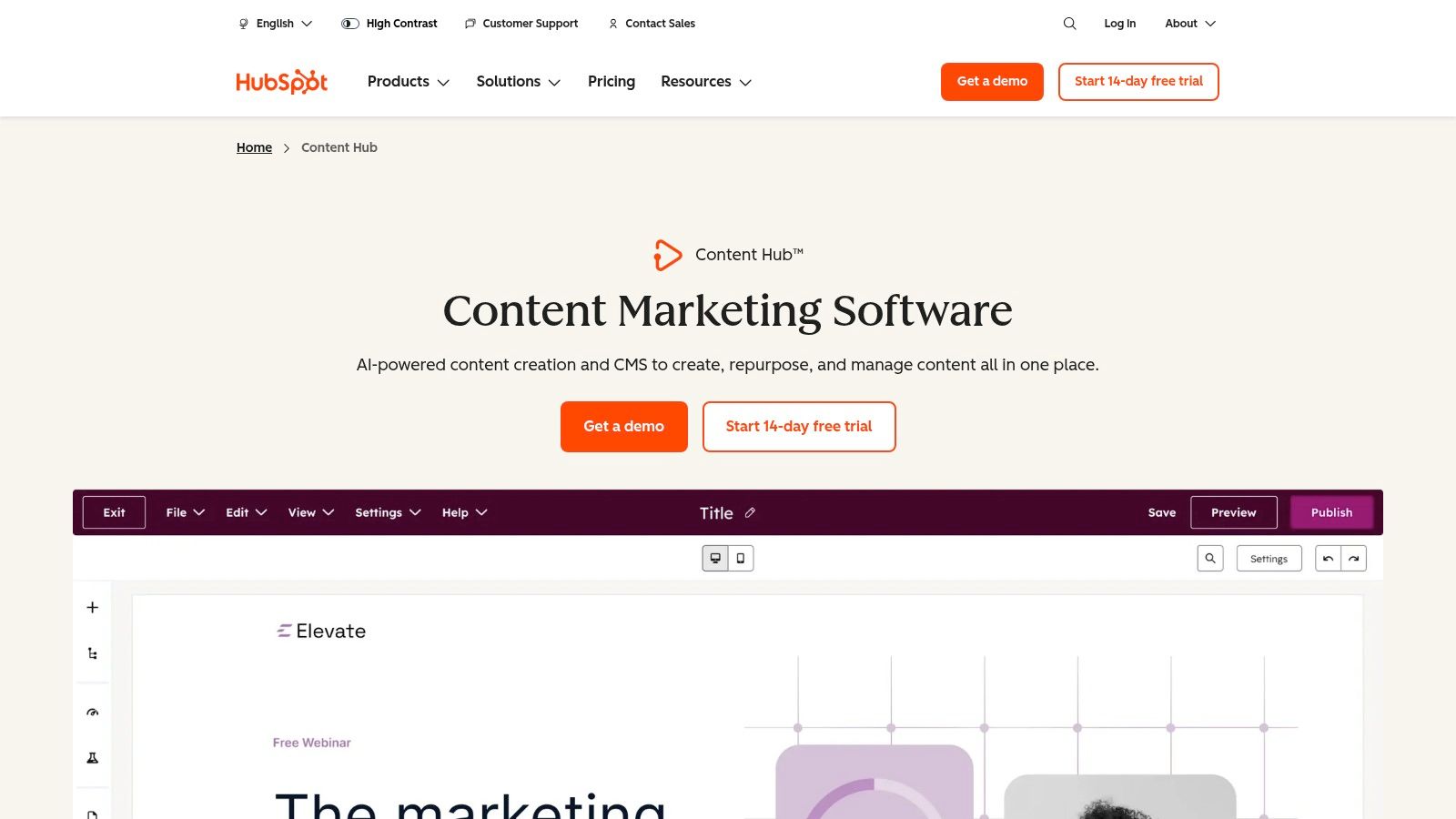
HubSpot Content Hub is a powerful CMS that is deeply integrated with the company's renowned CRM and marketing automation platform. This all-in-one approach makes it an exceptional choice for service-based businesses and startups that want their website, content, SEO, email marketing, and customer data to work together seamlessly. It’s designed for businesses that view their website not just as a brochure, but as a core engine for lead generation and customer relationship management.
The platform is built on top of HubSpot’s CRM, allowing for unparalleled personalization and data-driven marketing right out of the box. For a business in the competitive Los Angeles landscape, from the San Gabriel Valley to the South Bay, this means you can create dynamic content that adapts to individual visitors based on their past interactions with your company. This unified system removes the technical friction of syncing data between different tools, letting you focus on creating targeted campaigns that convert.
Key Features & Benefits
HubSpot Content Hub excels at connecting your content directly to your business goals. It provides robust, built-in features like SEO recommendations, A/B testing, and AI-powered content creation tools, all while ensuring top-tier performance with its fully managed hosting environment, which includes a global CDN and 24/7 security monitoring.
CRM-Powered Content: Personalize website content, CTAs, and forms for individual visitors based on their data in the HubSpot CRM.
Integrated Marketing Tools: Access a full suite of marketing tools, including email, landing pages, and social media, all within one platform.
Managed Hosting & Security: Includes enterprise-grade security, automatic updates, and performance optimization, removing technical burdens.
Scalable Ecosystem: Start with the CMS and seamlessly scale into HubSpot's full Marketing, Sales, and Service Hubs as your business grows.
Ideal Use Cases and Pricing
HubSpot is ideal for B2B service firms, consultants, and marketing-savvy businesses that prioritize lead generation and analytics. A real estate agency in Beverly Hills or a tech startup in Santa Monica could use it to track a lead’s entire journey, from their first blog post visit to a final sales call. It is less suited for simple brochure sites where advanced marketing automation is not required.
Plan Tier | Price (Billed Annually) | Key Features | Best For |
|---|---|---|---|
Starter | ~$25/mo | Premium hosting, drag-and-drop editor | Small businesses needing a professional, fast website |
Professional | ~$360/mo | Smart content, A/B testing, SEO tools | Growth-focused businesses, marketing teams |
Enterprise | ~$1,200/mo | Content partitioning, custom objects | Larger organizations with complex teams and needs |
Pros and Cons
HubSpot’s all-in-one model offers significant advantages but also comes with specific trade-offs.
Pros:
Unified Platform: A single source of truth for all website, marketing, sales, and customer data.
Powerful Personalization: Delivers highly targeted user experiences that can boost conversion rates.
Excellent Analytics: Provides deep insights into content performance and its impact on revenue.
Cons:
Higher Cost: Can become significantly more expensive than other CMS platforms, especially on higher tiers.
Seat-Based Pricing: Pricing for the broader HubSpot platform is based on user seats, which can be complex for larger teams.
Vendor Lock-In: Migrating away from the HubSpot ecosystem can be challenging due to its integrated nature.
Our Take: For small businesses ready to invest in a marketing-first approach, HubSpot Content Hub is arguably the best CMS for small business. It streamlines the entire customer lifecycle, turning your website into a true growth asset rather than a static online presence.
Learn more at: https://www.hubspot.com/products/content-hub
7. Duda
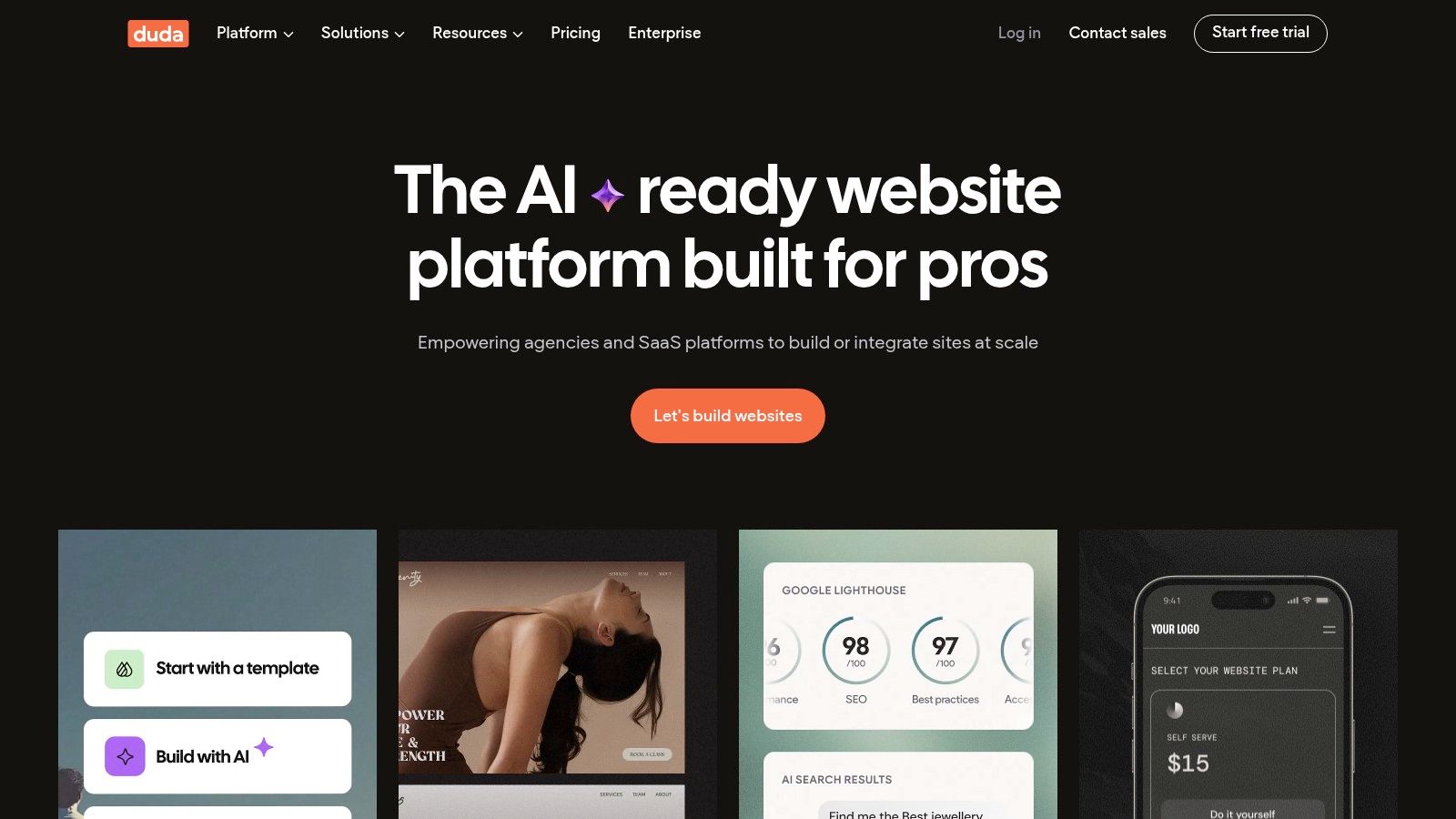
Duda is a professional website builder and CMS platform specifically designed for agencies and small businesses that need a streamlined, efficient, and scalable web presence. It stands out with its powerful client management tools, structured content management, and an intuitive drag-and-drop editor that doesn't sacrifice design flexibility. This makes it an excellent choice for businesses that may work with a marketing agency or want a highly performant site without deep technical knowledge.
The platform is built for speed and reliability, leveraging AWS hosting to ensure top-tier performance and security out of the box. For small businesses in competitive hubs like Downtown Los Angeles or the tech-forward environments of Santa Monica, having a website that loads instantly is a critical advantage. Duda’s structured approach to templates and widgets ensures that sites are fast, mobile-responsive, and optimized for conversions from day one, allowing business owners to focus on their clients.
Key Features & Benefits
Duda excels with its unique blend of user-friendliness and agency-grade features. Its dynamic page creation from content libraries is a game-changer for businesses with recurring content types, like real estate listings or team member profiles. The platform also offers white-label capabilities, allowing marketing agencies from Beverly Hills to Glendale to provide a branded CMS experience to their clients.
Client Management Tools: Includes roles, permissions, and site comments to facilitate seamless collaboration between a business and its web design agency.
Performance-Focused: Sites are optimized for Core Web Vitals, powered by AWS hosting, and include a global CDN for fast load times worldwide.
Structured Content: Easily create dynamic pages that are automatically populated from a central content library, perfect for managing large amounts of similar content.
App Store & Integrations: Extend functionality with a curated App Store and gain access to developer tools on higher-tier plans.
Ideal Use Cases and Pricing
Duda is the ideal CMS for small businesses that prioritize speed, ease of use, and professional design, especially those working with agencies. Service-based businesses in the San Fernando Valley, from Sherman Oaks to Burbank, will appreciate its efficiency in building polished, lead-generating websites. It's also a strong contender for businesses needing to manage multiple locations or franchises with consistent branding.
Plan Tier | Price (Billed Annually) | Key Features | Best For |
|---|---|---|---|
Basic | ~$19/mo | 1 website, email support, AWS hosting | Individual professionals, small businesses |
Team | ~$29/mo | 1 website, team collaboration tools | Small agencies, businesses with small teams |
Agency | ~$52/mo | 4 websites, white-label client access | Marketing agencies, businesses managing multiple sites |
Custom | Varies | Unlimited sites, full API access | Large agencies and SaaS platforms |
Pros and Cons
Duda offers a compelling package for its target audience but has certain limitations to consider.
Pros:
Extremely Fast and Easy to Use: The editor is intuitive, and the platform is optimized for performance.
Excellent Client Collaboration: White-labeling and user permissions are perfect for agency-client workflows.
Strong Built-in Features: Solid SEO tools, personalization rules, and blogging are included.
Cons:
Limited App Ecosystem: The App Store is smaller and more curated compared to WordPress or Shopify.
Ecommerce Costs Extra: Native ecommerce functionality is available as a paid add-on.
Less Customization Freedom: While powerful, it offers less open-ended backend control than a self-hosted CMS.
Our Take: Duda is a top-tier choice for businesses seeking a professionally built, high-performance website without the maintenance burden. It is arguably the best CMS for small business owners who partner with a digital marketing agency, providing a perfect balance of power and simplicity.
Learn more at: https://www.duda.co
Top 7 Small-Business CMS Comparison
Platform | Implementation & Complexity 🔄 | Resource Requirements ⚡ | Expected Outcomes ⭐📊 | Ideal Use Cases 💡 | Key Advantages ⭐ |
|---|---|---|---|---|---|
WordPress.com | 🔄 Low–Moderate — managed hosting; some customization learning | ⚡ Low–Moderate cost; Business/Commerce for full plugins; occasional developer help | ⭐⭐⭐⭐ 📊 Strong SEO/content foundation; scalable to advanced features | 💡 Blogs, content-first small businesses, sites likely to grow | ⭐ Large ecosystem, managed updates, reliable performance |
Wix | 🔄 Very low — drag‑and‑drop + AI site builder; minimal setup | ⚡ Low subscription; apps/add-ons may add cost | ⭐⭐⭐ 📊 Fast launch; polished templates; limited deep custom logic | 💡 Local services, quick portfolio or small ecommerce sites | ⭐ All-in-one business tools (bookings, CRM), minimal maintenance |
Squarespace | 🔄 Low — design-forward builder; straightforward editing | ⚡ Low subscription; some transaction/digital product fees on lower tiers | ⭐⭐⭐ 📊 Polished brand sites and merchant-ready templates | 💡 Creators, photographers, small stores focused on design | ⭐ High-quality templates, integrated hosting and marketing |
Shopify | 🔄 Low–Moderate — commerce-first with apps and POS | ⚡ Moderate; subscription + app/transaction fees; inventory/fulfillment resources | ⭐⭐⭐⭐ 📊 Best-in-class ecommerce performance, scalable checkout & sales | 💡 Retailers, product businesses, multi-channel sellers | ⭐ Robust ecommerce features, large app/theme ecosystem |
Webflow | 🔄 Moderate–High — visual designer with production-ready code | ⚡ Moderate; often requires designer/developer skill | ⭐⭐⭐⭐ 📊 High-performance marketing sites with clean markup | 💡 Designers, agencies, marketing sites needing fine control | ⭐ Exceptional design flexibility and code quality |
HubSpot Content Hub | 🔄 Moderate — CRM-integrated CMS; seat-based complexity | ⚡ High; pricier tiers and HubSpot ecosystem adoption | ⭐⭐⭐⭐ 📊 Unified analytics, personalization, strong automation impact | 💡 Service firms, startups needing CRM-driven marketing & sales | ⭐ Deep CRM integration, analytics, workflow automation |
Duda | 🔄 Low–Moderate — agency-focused builder with client tools | ⚡ Moderate; efficient multi-site management; some add-ons cost | ⭐⭐⭐ 📊 Efficient multi-site delivery and client collaboration | 💡 Agencies and SMBs managing multiple client sites | ⭐ White-label options, client management, solid uptime |
Making Your Choice and Partnering for Success in Southern California
Navigating the landscape of Content Management Systems can feel overwhelming, but making an informed decision is the first step toward building a powerful digital presence. Throughout this guide, we've explored a curated selection of the best cms for small business platforms, each offering unique strengths tailored to different goals. From the unparalleled flexibility of WordPress and the intuitive drag-and-drop interface of Wix to the sleek, design-forward templates of Squarespace and the ecommerce prowess of Shopify, your ideal solution is within reach.
We also delved into more specialized platforms like Webflow, which empowers designers with code-free visual development, and HubSpot Content Hub, an all-in-one solution for businesses prioritizing marketing automation and lead generation. Finally, Duda stands out as a top choice for agencies and businesses managing multiple client sites, offering streamlined workflows and impressive performance. The key takeaway is that there is no single "best" platform; the right choice is entirely dependent on your specific business model, technical comfort level, and long-term growth objectives.
Key Factors to Guide Your Final Decision
As you move from comparison to commitment, revisit these critical factors. Your answers will illuminate the path to the most suitable CMS for your small business.
Business Goals: Are you focused on generating local leads, selling products online, or showcasing a professional portfolio? A service provider in Pasadena will have different needs than an ecommerce startup in Santa Monica. Align the platform’s core strengths with your primary objectives.
Budgetary Realities: Consider the total cost of ownership. This includes not just the monthly subscription but also potential expenses for premium themes, essential plugins or apps, transaction fees, and potential developer assistance down the road.
Scalability: Your business will grow. Will your chosen CMS grow with you? Evaluate its ability to handle increased traffic, expanded product catalogs, and more complex functionalities without requiring a costly and disruptive migration.
Technical Resources: Be honest about your team's capabilities. If you have no technical expertise and want to manage the site yourself, a user-friendly platform like Wix or Squarespace is a wise choice. If you have access to a developer or are comfortable with a steeper learning curve, WordPress or Webflow offers greater customization.
Partnering with a Local Expert
Choosing the right CMS is a significant milestone, but implementation is where your vision truly comes to life. A well-chosen platform is only as effective as the strategy and execution behind it. This is particularly true for businesses operating in the competitive Southern California market, where a generic website simply won't stand out.
Partnering with a local web design and development agency can bridge the gap between selecting a tool and achieving tangible business results. An expert partner can help you not only choose the best cms for small business needs like yours but also handle the technical setup, custom design, SEO optimization, and ongoing maintenance. This frees you to focus on what you do best: running your business.
Whether your business is based in Downtown Los Angeles, the San Fernando Valley, the beach communities of Malibu and Redondo Beach, or the San Gabriel Valley, a local expert understands the unique market dynamics. From Glendale to Torrance and West Hollywood to Whittier, having a partner who knows the local landscape is an invaluable asset. They can ensure your website is not just functional but also optimized to attract and convert your ideal customers right here in Southern California.
Ready to transform your digital presence with the right CMS and a winning strategy? DLL Studios is a Los Angeles-based web design and development agency that specializes in creating high-performance websites for small businesses on platforms like WordPress, Shopify, and Webflow. We help you choose the perfect foundation and build a site that drives growth. Contact DLL Studios today to start the conversation.
