


.png)
Discover the best website platform for seo: Top picks and comparisons
Choosing the right website platform is the single most important decision for your online visibility. It's the technical foundation upon which your entire digital marketing strategy is built. The best website platform for SEO isn't just a drag-and-drop tool; it's a strategic asset that directly impacts everything from site speed and crawlability to user experience and, ultimately, your search engine rankings. A poor choice can create technical roadblocks that even the most brilliant marketing campaign can't overcome, while the right one provides a launchpad for organic growth.
Before diving into platform specifics, it's crucial to understand how search engines work and what they prioritize. If you're new to the topic, grasping the core principles will help you evaluate each option more effectively. For a solid primer, our guide explains What is Search Engine Optimization (SEO) in practical terms, covering the essentials you need to know.
This comprehensive guide cuts through the marketing hype. We will analyze the top 7 platforms: WordPress, Shopify, Webflow, Wix, Squarespace, Duda, and HubSpot CMS. For each one, we'll provide a detailed breakdown of its SEO strengths and weaknesses, including screenshots, direct links, and actionable insights. Whether you're a startup in Downtown Los Angeles, a professional service in Beverly Hills, or an e-commerce brand in Santa Monica, this roundup will provide the clarity you need. Our goal is to help you select a platform that not only meets your business needs today but also scales for future success, ensuring your website is loved by both search engines and customers. Let's find the perfect fit for your goals.
1. WordPress.org (self-hosted)
WordPress.org stands as the undisputed titan of the content management system (CMS) world, powering over 43% of all websites on the internet. As a self-hosted, open-source platform, it offers unparalleled control over every aspect of a site’s design, functionality, and, most importantly, its search engine optimization. This level of granular control is why many consider it the best website platform for SEO, as it places no artificial limits on what can be achieved.
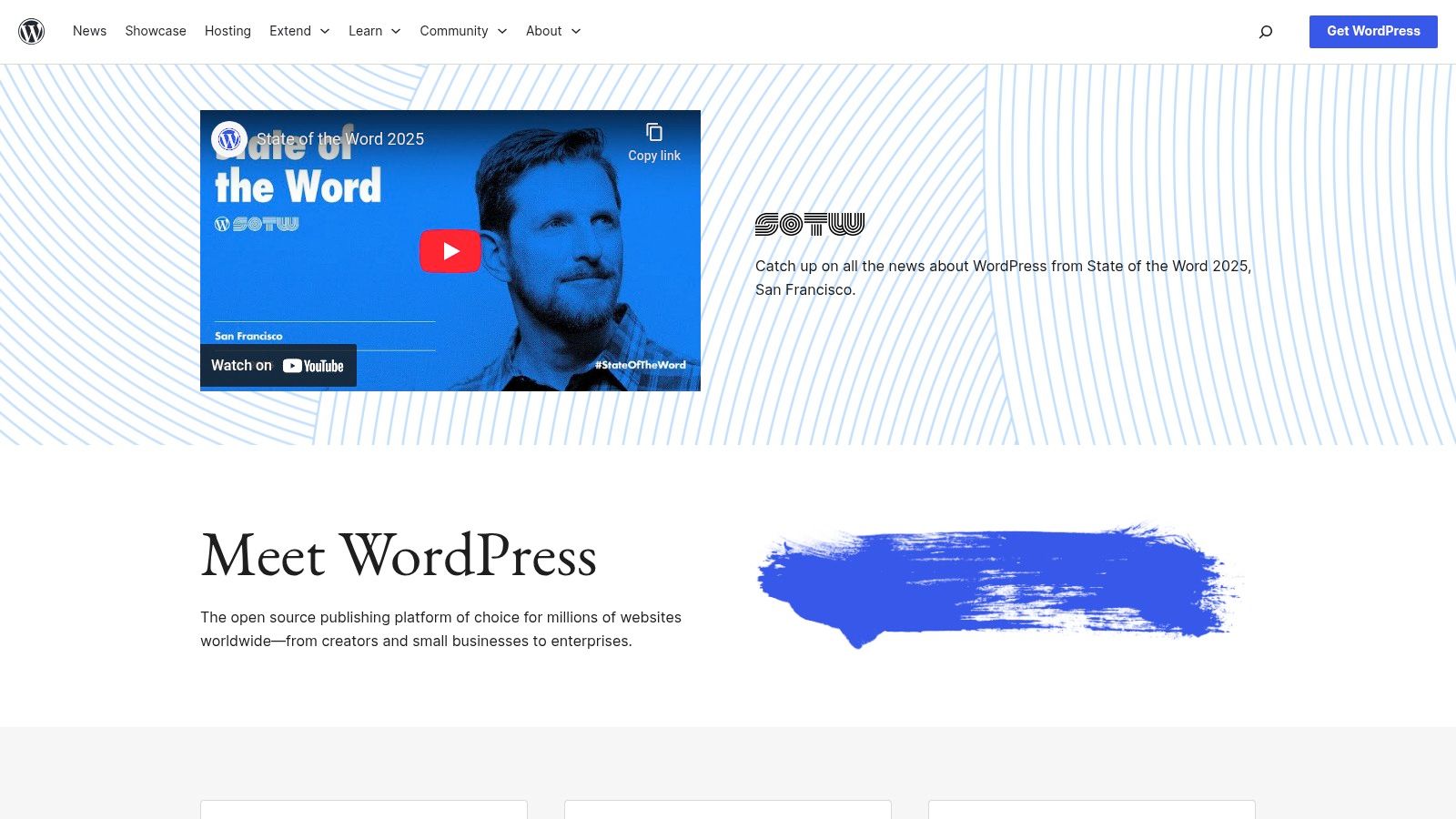
Unlike all-in-one builders, self-hosted WordPress requires you to purchase a domain and hosting separately. The software itself is free, but this setup provides a crucial advantage: you choose your hosting environment. This allows you to select a high-performance host (like WP Engine or Kinsta) specifically engineered to deliver lightning-fast load times and ace Google's Core Web Vitals.
Why WordPress Excels for SEO
The power of WordPress lies in its limitless customization. You are in the driver's seat for every technical SEO element.
Total URL Control: You can set custom "pretty permalink" structures to create clean, keyword-rich URLs that are easy for both users and search engines to understand.
Powerful Plugin Ecosystem: The extensive library of SEO plugins, like Yoast SEO or Rank Math, simplifies complex tasks. These tools help manage on-page elements, generate XML sitemaps, implement schema markup, set canonical tags, and edit your file directly from the dashboard.
Performance Optimization: You have full server-level access to implement advanced caching, integrate with any Content Delivery Network (CDN), and fine-tune your security protocols for maximum speed and reliability.
For businesses in competitive markets like Los Angeles, from a law firm in Beverly Hills to a startup in Pasadena, this level of control is non-negotiable for achieving top rankings.
Key Insight: The primary SEO advantage of WordPress isn't just what it can do, but what it doesn't prevent you from doing. There are no platform-imposed restrictions on your SEO strategy, giving you and your agency the freedom to implement any optimization necessary to outrank competitors.
Pros & Cons
Pros | Cons |
|---|---|
Unmatched flexibility and scalability for any project size. | You are responsible for hosting, security, and updates, which requires technical oversight. |
A massive talent pool of developers and SEO experts, like the team at DLL Studios, is available for custom work. | The quality of plugins varies; poor choices can introduce security risks or slow your site. |
You can hand-pick a hosting and performance stack tailored to crush Core Web Vitals metrics. | A steeper learning curve compared to all-in-one builders, especially for non-technical users. |
This combination of power and flexibility makes WordPress an exceptional choice for businesses serious about long-term SEO success. To get started with a solid foundation, check out these 10 SEO tips to boost your website rankings.
Website: https://wordpress.org
2. Shopify
While WordPress is a generalist titan, Shopify is the undisputed king of hosted ecommerce. It’s a specialized platform engineered from the ground up to help merchants sell products online with maximum efficiency and reliability. For businesses focused purely on ecommerce, Shopify provides a robust, secure, and highly optimized environment that handles much of the technical heavy lifting, making it a strong contender for the best website platform for SEO in the retail space.

As a fully hosted "software as a service" (SaaS) platform, Shopify includes everything you need to launch a store out of the box. This means PCI-compliant hosting, an included SSL certificate, and a global CDN are all part of the package. This integrated approach ensures excellent performance and security, which are foundational elements for a successful SEO strategy, without requiring any server management from the user.
Why Shopify Excels for SEO
Shopify’s strength lies in its ecommerce-centric design, which automates many core technical SEO tasks that are critical for online stores.
Clean & Logical Site Structure: Shopify automatically generates a clean site architecture with logical URL structures (e.g., for categories, for items). This helps search engines easily crawl and understand your product catalog.
Automated SEO Foundations: The platform automatically generates an XML sitemap and file. It also implements canonical tags by default, helping to prevent duplicate content issues that are common on ecommerce sites with product variants.
Core On-Page Control: You can easily edit meta titles, meta descriptions, and URLs for all products, collections, pages, and blog posts directly within the admin dashboard, giving you control over how your listings appear in search results.
Extensive App Ecosystem: While not as vast as WordPress, the Shopify App Store offers powerful tools to enhance SEO, from implementing advanced schema markup for products to managing image optimization and conducting site audits.
For a retail business in competitive Los Angeles markets like Santa Monica or Beverly Hills, these built-in features provide a solid SEO base to build upon.
Key Insight: Shopify’s primary SEO advantage is its focus on simplicity and reliability for ecommerce. It handles the complex technical infrastructure, allowing merchants to concentrate on product optimization, content marketing, and link building-the activities that drive traffic and sales.
Pros & Cons
Pros | Cons |
|---|---|
Extremely fast and easy to set up for product-focused SEO with minimal technical maintenance. | Some advanced SEO customizations, like modifying the file, require app workarounds or theme edits. |
Includes high-performance, PCI-compliant hosting and an SSL certificate in all plans. | Platform outages, while rare, are outside of your control and can significantly impact sales for merchants. |
A strong app ecosystem allows for the addition of advanced SEO and marketing functionality. | Less content flexibility compared to WordPress; its blogging capabilities are functional but not as powerful. |
This combination of ease of use and powerful ecommerce features makes Shopify an excellent choice for retailers serious about online growth. For a deeper comparison of how it stacks up against other platforms, see our detailed analysis of Wix Studio vs. WordPress vs. Shopify.
Website: https://www.shopify.com
3. Webflow
Webflow carves out a unique space between the boundless, code-first world of self-hosted platforms and the simplicity of all-in-one builders. It is a hosted, visual development platform that gives designers and marketers unparalleled creative control while outputting exceptionally clean, semantic HTML. This combination of design freedom and pristine code output makes it a powerful contender for the best website platform for SEO, especially for businesses prioritizing performance and custom design without deep coding expertise.
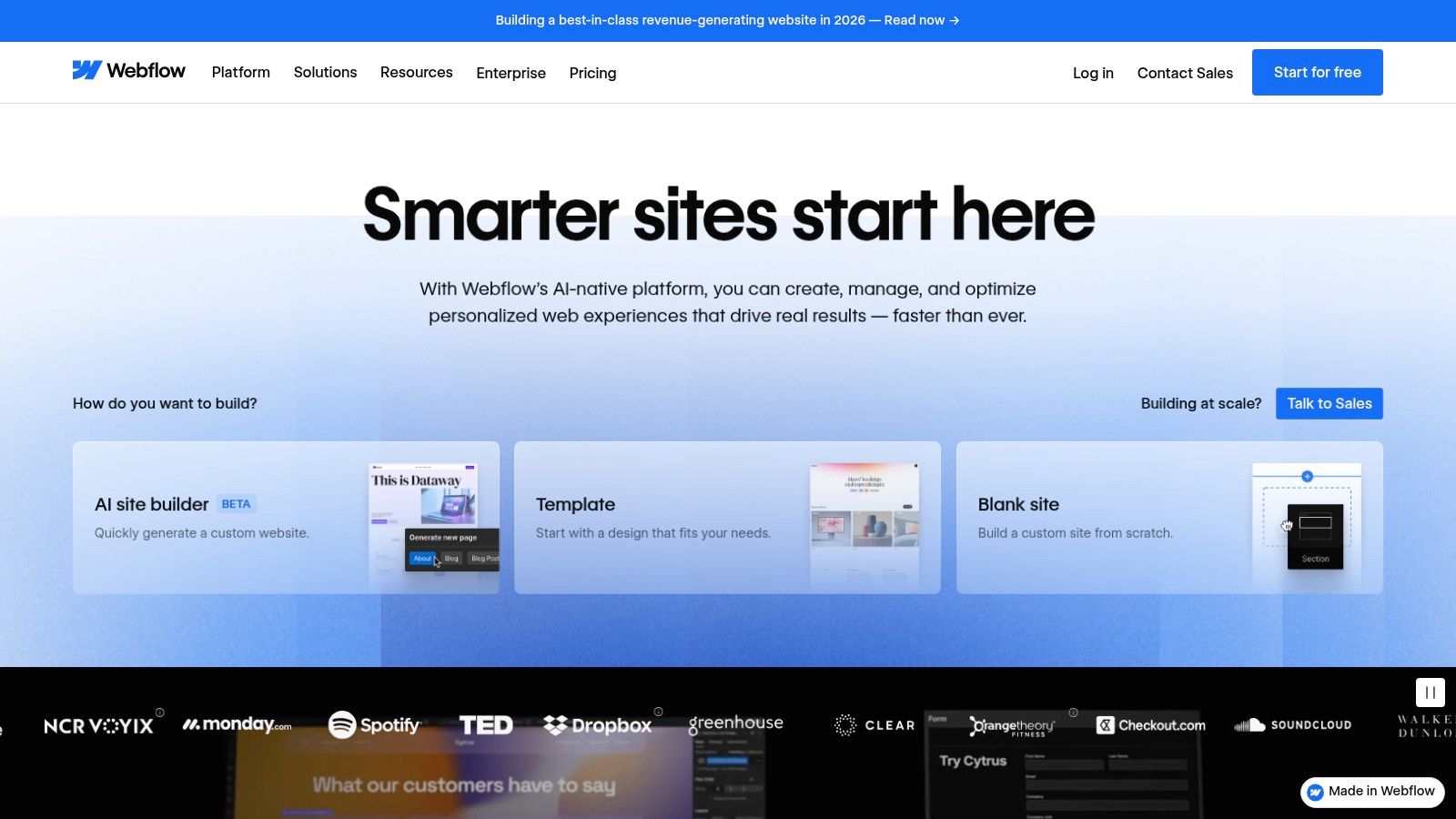
Unlike traditional builders that can generate bloated, messy code, Webflow is built to produce sites that are fast, accessible, and structured in a way search engines love. It handles hosting on a high-performance global network, ensuring excellent load times and reliability right out of the box. This built-in performance foundation is a major advantage for hitting Google's Core Web Vitals targets.
Why Webflow Excels for SEO
Webflow’s strength is providing granular, native SEO controls without requiring third-party plugins. You get direct access to the essential technical elements that drive rankings.
Clean Code & Semantic HTML: The platform generates clean, W3C-compliant code, using proper HTML tags (H1s, sections, articles) that give search engines clear structural context about your content.
Built-in SEO Controls: All critical SEO settings are integrated directly. You can easily manage meta titles and descriptions, set indexing rules (, ), generate an XML sitemap automatically, and edit your file.
Advanced Redirect Management: Webflow includes a user-friendly interface for setting up bulk 301 redirects, a critical feature for website migrations that prevents loss of link equity and traffic.
AI-Assisted Optimization: The platform incorporates AI tools to help generate missing meta descriptions and alt text, and it can assist in creating valid schema markup to enhance search visibility.
For a design-forward business in a competitive market like Santa Monica or a tech startup in Studio City, Webflow provides the tools to build a visually stunning site that is also technically sound for SEO.
Key Insight: Webflow’s primary SEO advantage is its "visual development" approach that doesn't compromise on technical fundamentals. It empowers users to build custom, high-performance websites with clean code, giving them the SEO benefits of a custom-coded site without needing to write the code themselves.
Pros & Cons
Pros | Cons |
|---|---|
Strong technical SEO defaults and exceptionally clean code output for superior performance and crawlability. | Has a steeper learning curve than simple drag-and-drop builders, particularly for non-designers. |
Visual CMS includes robust SEO fields and allows for pattern-based metadata generation for content at scale. | Some advanced features, like multi-language localization, may require higher-tier plans or third-party apps. |
No need for plugins to manage core SEO tasks like sitemaps, redirects, or meta tags. | The platform is fully hosted, meaning less control over the server environment compared to WordPress.org. |
This blend of design power and technical integrity makes Webflow an excellent choice for businesses that want a beautiful, fast, and SEO-friendly website without the maintenance burden of a self-hosted platform. To learn more about optimizing your on-page elements, explore these 10 SEO tips to boost your website rankings.
Website: https://webflow.com
4. Wix
Wix has successfully evolved from a simple drag-and-drop builder into a robust platform with surprisingly powerful SEO capabilities. As a fully hosted, all-in-one solution, it removes the technical barriers associated with managing hosting and security, making it exceptionally accessible for business owners. This user-friendly approach, combined with a growing suite of advanced SEO tools, makes Wix a strong contender, particularly for small to medium-sized businesses that need a balance of simplicity and performance.
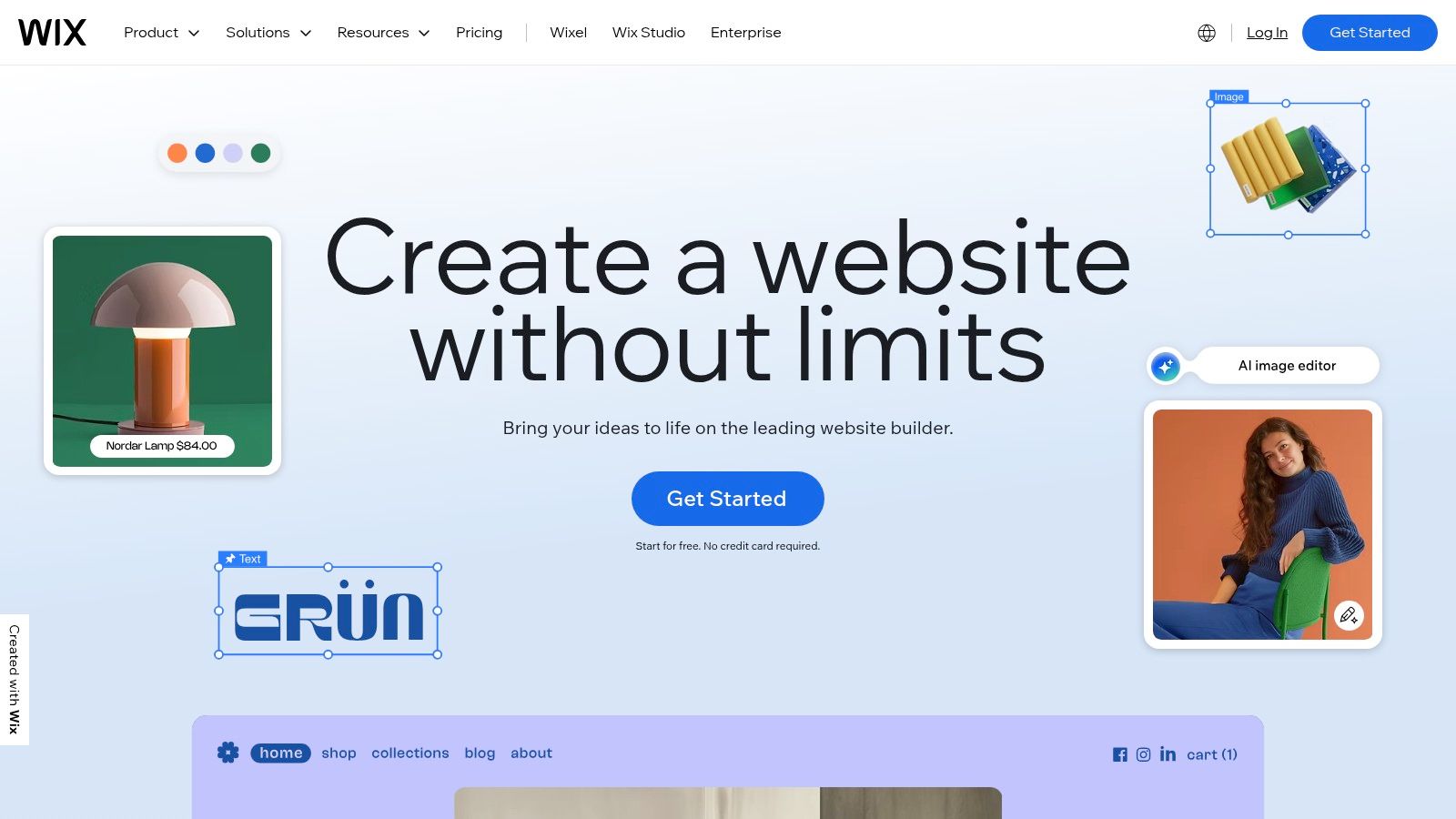
The platform provides a guided experience from the start with its "SEO Setup Checklist," which walks users through foundational optimizations. However, it doesn't stop at the basics. Wix has invested heavily in its infrastructure to support serious SEO efforts, incorporating features like server-side rendering (SSR) to ensure search engine bots can easily crawl and index content, a critical factor for visibility.
Why Wix Excels for SEO
Wix's strength lies in making essential and advanced SEO features accessible without requiring deep technical knowledge. It automates many processes while still providing manual overrides for experts.
Integrated SEO Tooling: The platform automatically generates and updates your XML sitemap, gives you full control over your file, and allows for bulk 301 redirect management, all from the main dashboard.
Out-of-the-Box Structured Data: Wix automatically applies schema markup for key page types like products, blog posts, and events. For more advanced needs, it allows you to add custom JSON-LD structured data to any page, which is crucial for enhanced search results.
Performance-Focused Infrastructure: The platform automatically handles media optimization by compressing images and serving them in next-gen formats like WebP. This, combined with its global CDN, helps sites built on Wix meet Google's Core Web Vitals standards.
For local businesses, from a boutique in Santa Monica to a professional service in Glendale, these built-in tools provide a solid foundation for competing in local search.
Key Insight: Wix bridges the gap between ease of use and SEO control. It's no longer just a "beginner" platform; its infrastructure and advanced settings now empower businesses to execute sophisticated SEO strategies that were once only possible on more complex systems.
Pros & Cons
Pros | Cons |
|---|---|
An intuitive interface and SEO Setup Checklist make it easy for non-technical users to get started. | Advanced ecommerce or app needs can increase the overall cost through premium plans. |
Integrated analytics and marketing connectors simplify performance tracking and campaign management. | Vendor lock-in is a reality; migrating a complex Wix site to another platform is difficult. |
Automatic performance optimizations (SSR, WebP images, CDN) are built-in. | Less server-level control compared to self-hosted platforms like WordPress.org. |
This blend of user-friendliness and powerful SEO features makes Wix an excellent choice for many businesses. To explore what's possible with its more advanced design capabilities, check out these Wix Studio templates.
Website: https://www.wix.com
5. Squarespace
Squarespace has cemented its reputation as the go-to platform for creatives, service businesses, and anyone prioritizing polished design without needing to write code. While celebrated for its aesthetics, it has also evolved into a surprisingly robust platform for SEO. As a fully hosted, all-in-one solution, Squarespace handles the technical heavy lifting, providing a solid SEO foundation right out of the box, making it a strong contender for the best website platform for SEO for businesses that value simplicity and style.

Unlike open-source systems, Squarespace manages all server-side maintenance, security, and performance updates. This means you don't need to worry about choosing a host or updating plugins. Every site automatically gets a free SSL certificate, is served via a global CDN for faster load times, and is built on a mobile-responsive framework, ticking several of Google’s core ranking factor boxes from day one.
Why Squarespace Excels for SEO
Squarespace's strength lies in its curated, built-in toolset that covers fundamental SEO needs effectively and elegantly.
Integrated SEO Panel: Squarespace provides a dedicated SEO checklist and panel, guiding users through essential tasks like verifying with Google Search Console, editing the site title and meta description, and understanding how to format content for search engines.
Automatic SEO Hygiene: The platform automatically generates a clean file, creates SEO-friendly URLs for all pages, and applies basic schema markup (structured data) to blog posts, products, and events to help Google understand your content.
Design-Forward and Mobile-First: Every template is fully responsive, ensuring a flawless experience on any device, which is a critical ranking factor. The clean, structured designs encourage a clear information architecture that benefits both users and search crawlers.
For a local business in competitive markets like Santa Monica or a design studio in Pasadena, Squarespace offers a streamlined path to a professional, search-optimized web presence without the technical overhead of other platforms.
Key Insight: Squarespace's primary SEO advantage is its "less is more" approach. By handling the core technical SEO essentials automatically and providing intuitive tools for on-page optimization, it allows business owners to focus on what matters most: creating high-quality content and a beautiful user experience.
Pros & Cons
Pros | Cons |
|---|---|
Excellent built-in technical SEO defaults with minimal user setup required. | Less granular control over technical SEO elements compared to WordPress or Webflow. |
Cohesive, award-winning design templates that are inherently mobile-responsive. | Custom functionality is limited to the platform's features and official integrations. |
All-in-one platform includes hosting, security, and customer support. | E-commerce and advanced features are often locked behind more expensive subscription tiers. |
This blend of powerful defaults and user-friendly design makes Squarespace an excellent choice for businesses that need a visually stunning website with a solid SEO foundation.
Website: https://www.squarespace.com
6. Duda
Duda has carved out a unique niche as an agency-grade website builder that prioritizes technical SEO and performance right out of the box. Designed for professionals managing multiple client sites, this hosted platform offers a powerful combination of structured data, Core Web Vitals optimization, and streamlined workflows. Its architecture is built for speed and efficiency, making it a compelling candidate for the best website platform for SEO for agencies and businesses that demand high performance without deep technical overhead.

Unlike many DIY builders, Duda is engineered from the ground up to score well on Google's PageSpeed Insights. It leverages server-side rendering (SSR) and global CDN integration to ensure fast load times and a strong foundation for Core Web Vitals. This built-in advantage means less time spent on complex performance tweaks and more time focusing on content and strategy.
Why Duda Excels for SEO
Duda's strength lies in automating and simplifying sophisticated SEO tasks that often require plugins or custom code on other platforms.
Automated Schema Presets: Duda automatically generates structured data for key content types like FAQs, products, videos, and blog posts. This helps search engines understand your content better, increasing the chances of earning rich snippets in search results.
Performance-First Components: The platform is built with Core Web Vitals in mind. Its components are optimized for speed, and it includes features like automatic image optimization and lazy loading to deliver an excellent user experience.
Full SEO Control: Users have direct control over titles, meta descriptions, canonical tags, / attributes, and 301 redirects. It also supports IndexNow for instant indexing requests to search engines upon publishing.
Multilingual Support: Built-in tools for managing tags make Duda an excellent choice for businesses targeting international audiences, from a travel agency in Santa Monica to a global B2B service in Downtown Los Angeles.
Key Insight: Duda's primary SEO advantage is its "built-in first" approach. It integrates advanced technical SEO features directly into the platform, reducing reliance on third-party apps and ensuring that performance and structured data are core components, not afterthoughts. This is ideal for agencies and businesses that need to deploy optimized sites at scale.
Pros & Cons
Pros | Cons |
|---|---|
Excellent for multi-site management with white-label features perfect for agencies. | It is pricier than most consumer-focused DIY builders, reflecting its professional-grade tools. |
Strong built-in performance focus and automatic schema generation simplify technical SEO. | Ecommerce capabilities are solid but may require add-ons or higher-tier plans for advanced features. |
Native support for multilingual sites with automated implementation. | The app store is smaller than those of platforms like Shopify or WordPress. |
This streamlined, performance-oriented approach makes Duda a top-tier choice for service businesses and agencies across Southern California, from Glendale to Torrance, that need to deliver fast, technically sound websites for their clients efficiently.
Website: https://www.duda.co
7. HubSpot CMS (Content Hub)
HubSpot CMS, now part of the Content Hub, is more than just a website builder; it's a fully integrated component of a powerful marketing and sales ecosystem. This all-in-one platform is designed for businesses that want their website to work in tandem with their CRM, email marketing, and sales funnels. For SEO, this means content strategy is directly informed by customer data, making it a uniquely intelligent choice for growth-focused companies.
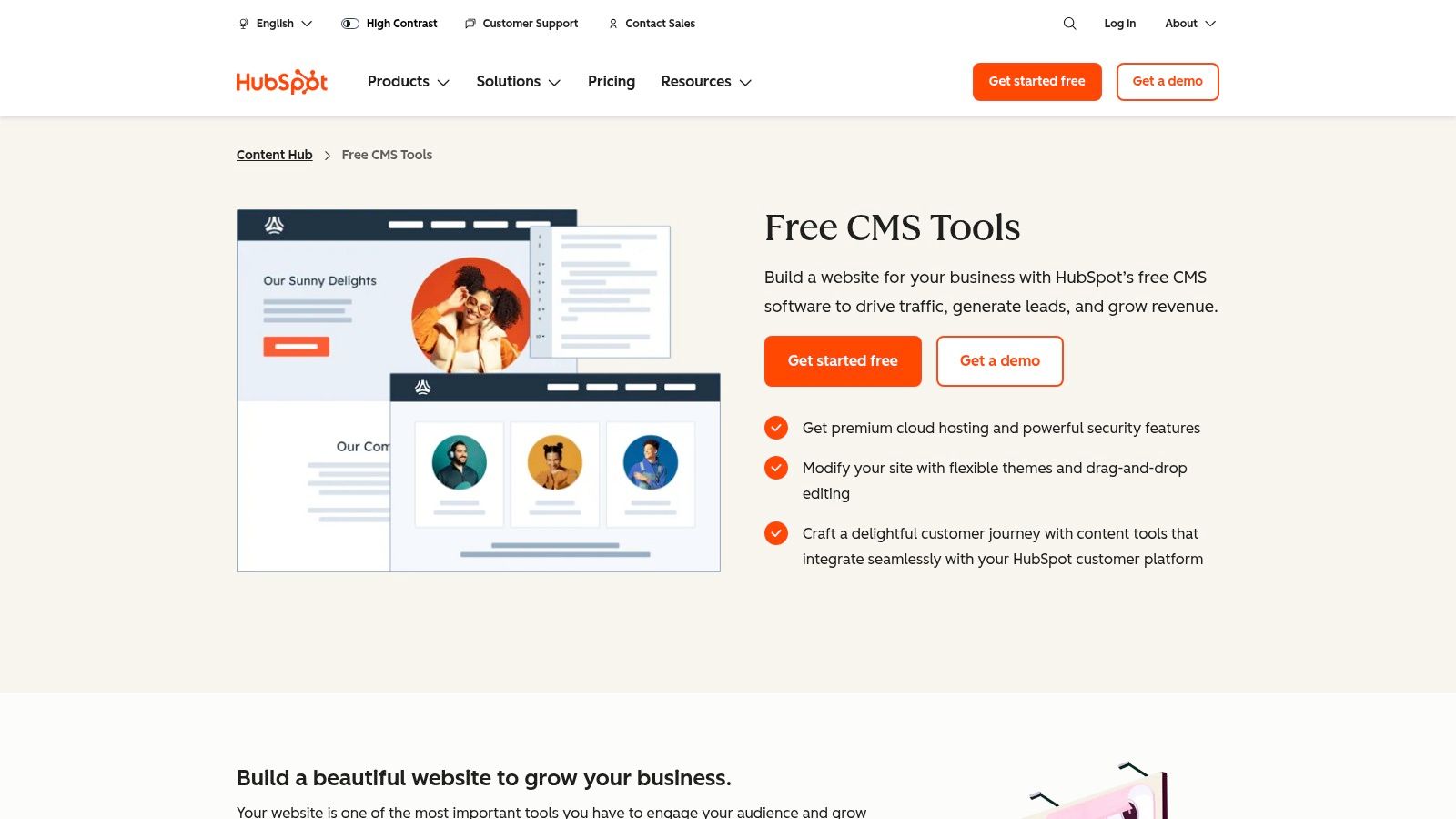
As a fully hosted solution, HubSpot handles the technical heavy lifting of security, speed, and reliability. Its key advantage is the built-in SEO guidance that helps marketers make smarter decisions without needing deep technical expertise. It provides on-page recommendations as you create content, helping you optimize titles, meta descriptions, and images in real-time.
Why HubSpot CMS Excels for SEO
HubSpot's strength is its ability to unify marketing efforts and provide actionable SEO insights directly within the content creation workflow. This makes it an excellent platform for teams that need guidance and context.
Integrated SEO Recommendations: The platform includes an SEO tool that scans your entire website and provides prioritized, topic-based recommendations for improvement. It analyzes pages and blog posts, suggesting optimizations to help you rank for your target keywords.
CRM-Powered Content Strategy: Because the CMS is tied directly to the HubSpot CRM, you can create content tailored to specific buyer personas and track its impact on lead generation and sales. This closes the loop between content performance and business revenue.
Technical SEO Controls: Despite its user-friendly interface, HubSpot provides necessary technical controls. You can easily edit your file, set canonical URLs for individual pages, and integrate directly with Google Search Console to pull query data into your analytics dashboard.
For businesses from the San Gabriel Valley to the South Bay, this integrated approach ensures that every piece of content published is not only optimized for search but also aligned with clear business goals. For those considering HubSpot CMS, leveraging various HubSpot integrations can significantly enhance your content management and marketing efforts.
Key Insight: HubSpot CMS shines by making SEO accessible and data-driven for the entire marketing team. It translates complex SEO tasks into a clear, actionable checklist, empowering marketers to improve rankings while keeping their efforts tied to tangible business outcomes recorded in the CRM.
Pros & Cons
Pros | Cons |
|---|---|
All-in-one marketing and CMS platform reduces tool sprawl and provides built-in SEO coaching. | Higher cost compared to simple website builders; can be a significant investment. |
Seamless CRM integration allows for highly personalized and data-informed content strategies. | Some of the most powerful SEO features are locked behind more expensive Professional or Enterprise tiers. |
Excellent performance and security are managed by HubSpot, ensuring a reliable and fast user experience. | Less design flexibility and customization compared to open-source platforms like WordPress. |
By combining a robust CMS with a world-class CRM, HubSpot offers a compelling package for businesses that want to ensure their SEO strategy directly contributes to their bottom line, making it a strong contender for the best website platform for SEO.
Top 7 Website Platforms for SEO — Comparison
Platform | Implementation (🔄) | Resources & Cost (⚡) | Expected Outcomes (⭐ 📊) | Ideal Use Cases (💡) | Key Advantages |
|---|---|---|---|---|---|
WordPress.org (self-hosted) | 🔄 High — requires hosting, updates, security and plugin management | ⚡ Variable — core software free; hosting, dev time and premium plugins incur cost | ⭐ Very high control and scalability; strong technical SEO and Core Web Vitals potential | 💡 Custom sites, enterprise, agencies, large-scale content platforms | Full server-level control; huge plugin ecosystem; highly extensible |
Shopify | 🔄 Low–Medium — hosted setup; theme/app edits for advanced SEO | ⚡ Predictable subscription; apps and plans add cost; PCI/SSL included | ⭐ Good for product SEO and reliable uptime; limited deep system control | 💡 Online stores and merchants needing fast launch | Ecommerce-ready; low maintenance; solid built-in SEO basics |
Webflow | 🔄 Medium — visual builder with learning curve for non-designers | ⚡ Subscription-based; designer-friendly reduces dev time but higher tiers for advanced features | ⭐ Strong technical SEO defaults; clean semantic code and redirect management 📊 | 💡 Performance-focused marketing sites, designers, content hubs | Granular SEO controls; built-in schema/redirects; clean output |
Wix | 🔄 Low — beginner-friendly with guided SEO tools and checklist | ⚡ Affordable tiers; additional apps/ecommerce raise cost | ⭐ Solid out-of-the-box SEO (SSR, media optimization) for small sites 📊 | 💡 Small businesses, creators, quick marketing sites | Easy to start; integrated SEO checklist and media optimizations |
Squarespace | 🔄 Low — design-forward, minimal setup and maintenance | ⚡ Subscription-based; commerce/API features on higher tiers | ⭐ Good defaults for on-page SEO, mobile optimization and clean IA 📊 | 💡 Creators, portfolios, small businesses and service sites | Cohesive design system; minimal technical overhead; built-in SEO panel |
Duda | 🔄 Medium — agency-grade features and multisite workflows | ⚡ Higher cost — priced for agencies and multi-client management | ⭐ Strong performance-first defaults (Core Web Vitals) and multilingual support 📊 | 💡 Agencies, franchises, multisite clients | Multisite & white-label; SEO dashboard; performance and hreflang support |
HubSpot CMS (Content Hub) | 🔄 Low–Medium — hosted with integrated marketing stack; onboarding required | ⚡ Expensive — Pro/Enterprise tiers for advanced SEO and governance | ⭐ Good SEO coaching and CRM-informed content strategy; enterprise governance 📊 | 💡 Marketing teams needing CRM + CMS and unified tooling | All-in-one marketing + CMS; built-in SEO recommendations and CRM context |
Making the Final Call: Partner with DLL Studios to Build Your SEO Powerhouse
The journey to finding the best website platform for SEO is more than a simple comparison of features; it's about aligning a platform's core strengths with your specific business goals, technical comfort level, and long-term vision. As we've explored, each contender brings a unique set of tools to the table. WordPress offers unparalleled customization and a vast ecosystem of plugins, making it a true workhorse for content-heavy sites. Shopify dominates the ecommerce landscape with its robust, built-in sales and marketing tools.
Meanwhile, platforms like Webflow and Wix Studio are revolutionizing the space with visual development interfaces that don't sacrifice SEO integrity, empowering designers and business owners to build with precision. Squarespace continues to be the go-to for its elegant design and simplicity, while Duda provides a scalable solution for agencies and businesses managing multiple sites. For those all-in on inbound marketing, HubSpot CMS offers a completely integrated system where your website and marketing efforts are seamlessly connected.
From Decision to Dominance: Your Actionable Next Steps
Making the right choice is foundational, but it is not the final step. True SEO success comes from what you do after you’ve selected your platform. The difference between a website that exists and a website that ranks is expert implementation, relentless optimization, and a strategy grounded in data.
Here are the critical factors to consider as you move forward:
Technical Implementation: Choosing WordPress is just the beginning. You still need to select the right hosting, configure caching plugins, optimize image delivery, and ensure your theme is lightweight. For platforms like Webflow or Shopify, this means meticulously structuring your pages, leveraging their built-in SEO settings, and integrating the right third-party apps without slowing down your site.
Content Strategy and Execution: No platform can rank without compelling, optimized content. Your chosen CMS must make it easy for you to execute a sophisticated content strategy, from publishing blog posts and landing pages to updating service descriptions with targeted keywords.
Ongoing Maintenance and Audits: SEO is not a "set it and forget it" task. Google's algorithms evolve, competitors adapt, and technical issues can arise. Regular technical SEO audits, performance monitoring, and security updates are non-negotiable for maintaining and improving your search rankings.
Key Takeaway: The "best" platform is the one that empowers you to execute a world-class SEO strategy consistently. It's less about the tool itself and more about how expertly it's wielded. An improperly configured WordPress site will always be outranked by a perfectly optimized Wix Studio site.
Partnering for Performance Across Los Angeles
Navigating these complexities can be overwhelming, especially when your primary focus is running your business. This is where a strategic partnership becomes invaluable. At DLL Studios, a creative digital agency based in Glendora, we specialize in transforming your vision into a high-performing digital asset. We don’t just build websites; we build SEO powerhouses designed to dominate search results.
Los Angeles is at the center of our service area, and we proudly support clients across a wide network of surrounding cities and neighborhoods throughout Southern California. Our reach includes every corner of L.A.—from Downtown Los Angeles, Hollywood, West Hollywood, Beverly Hills, and Santa Monica to the beach communities of Malibu, Venice, Marina del Rey, Hermosa Beach, Manhattan Beach, and Redondo Beach. We also extend service through the San Fernando Valley, including Sherman Oaks, Studio City, Encino, Van Nuys, North Hollywood, Burbank, Glendale, Pasadena, Woodland Hills, Chatsworth, Canoga Park, Reseda, Northridge, and Tarzana. In the San Gabriel Valley, we work with clients in Alhambra, Monterey Park, San Gabriel, Temple City, Rosemead, Arcadia, El Monte, South El Monte, West Covina, Covina, Baldwin Park, Azusa, Glendora, Duarte, and Monrovia. Farther southeast, we serve Whittier, Pico Rivera, Downey, Norwalk, La Mirada, La Habra, and Cerritos. We also support the South Bay—including Torrance, Carson, Gardena, Hawthorne, Inglewood, and Long Beach—as well as the Gateway Cities and communities throughout the I-10, I-5, 101, and 405 corridors. Whether you’re in a major metro area or a smaller surrounding neighborhood, our team delivers reliable, high-quality service anywhere in or around Los Angeles.
Choosing the best website platform for SEO is a crucial decision, but it’s the expert execution that will ultimately determine your success. Let us handle the technical complexities so you can focus on what you do best.
Ready to turn your website into your most powerful marketing tool? DLL Studios builds, optimizes, and maintains high-performance websites on the industry's leading platforms, ensuring your business gets the visibility it deserves. Visit DLL Studios to schedule a consultation and start building your SEO future today.


