


.png)
The 12 Best CMS for Ecommerce Platforms of 2026: An Expert Guide
Choosing the right foundation for your online store is one of the most critical decisions you'll make. The success of your business depends on a Content Management System (CMS) that not only showcases your products but also streamlines operations from inventory to checkout. Selecting the best CMS for ecommerce means finding a platform that aligns with your specific business model, technical expertise, and long-term growth ambitions. A powerful CMS empowers you to manage content, process orders, and scale your operations without friction.
This guide is designed to cut through the noise and provide a clear, comprehensive comparison of the top 12 ecommerce platforms available today. We move beyond surface-level feature lists to offer an in-depth analysis of each option, covering everything from scalability and SEO capabilities to pricing structures and specific use cases. Whether you are a local shop in Los Angeles looking to expand your reach or a national retailer aiming to optimize conversions, our breakdown offers the insights you need. A key factor in selecting the best CMS is its ability to support and ultimately help you improve ecommerce customer experience, driving customer loyalty and long-term growth.
Inside, you'll find direct comparisons, screenshots, and honest assessments of platforms like Shopify, BigCommerce, WooCommerce, and Adobe Commerce. We evaluate each one to help you determine the ideal fit for your unique needs, from professional service providers in Southern California to startups ready to launch. This resource will equip you to make a strategic decision that supports your business goals now and into the future.
1. Shopify
Shopify is a household name in ecommerce, and for good reason. It stands out as arguably the best CMS for ecommerce for businesses that prioritize speed, simplicity, and a fully managed, all-in-one solution. This hosted platform removes the technical heavy lifting of server management, security updates, and performance optimization, allowing merchants from Los Angeles startups to established Southern California brands to focus on selling. Its core strength lies in its streamlined user experience; you can go from sign-up to a fully functional, professional-looking store in a matter of hours, not weeks. The built-in tools for inventory management, payment processing with Shopify Payments, and discounted shipping rates provide a robust foundation right out of the box.
Key Features & Use Cases
Shopify excels for direct-to-consumer (DTC) brands that need a reliable, scalable platform without a dedicated IT department. Whether you're a boutique in Beverly Hills or a growing retailer in the San Fernando Valley, the platform supports multichannel selling across your website, social media, and a physical POS system. Our reach includes every corner of L.A.—from Downtown Los Angeles, Hollywood, West Hollywood, Beverly Hills, and Santa Monica to the beach communities of Malibu, Venice, Marina del Rey, Hermosa Beach, Manhattan Beach, and Redondo Beach.
Best For: Startups, DTC brands, local shops, and high-volume retailers needing a hands-off, scalable solution.
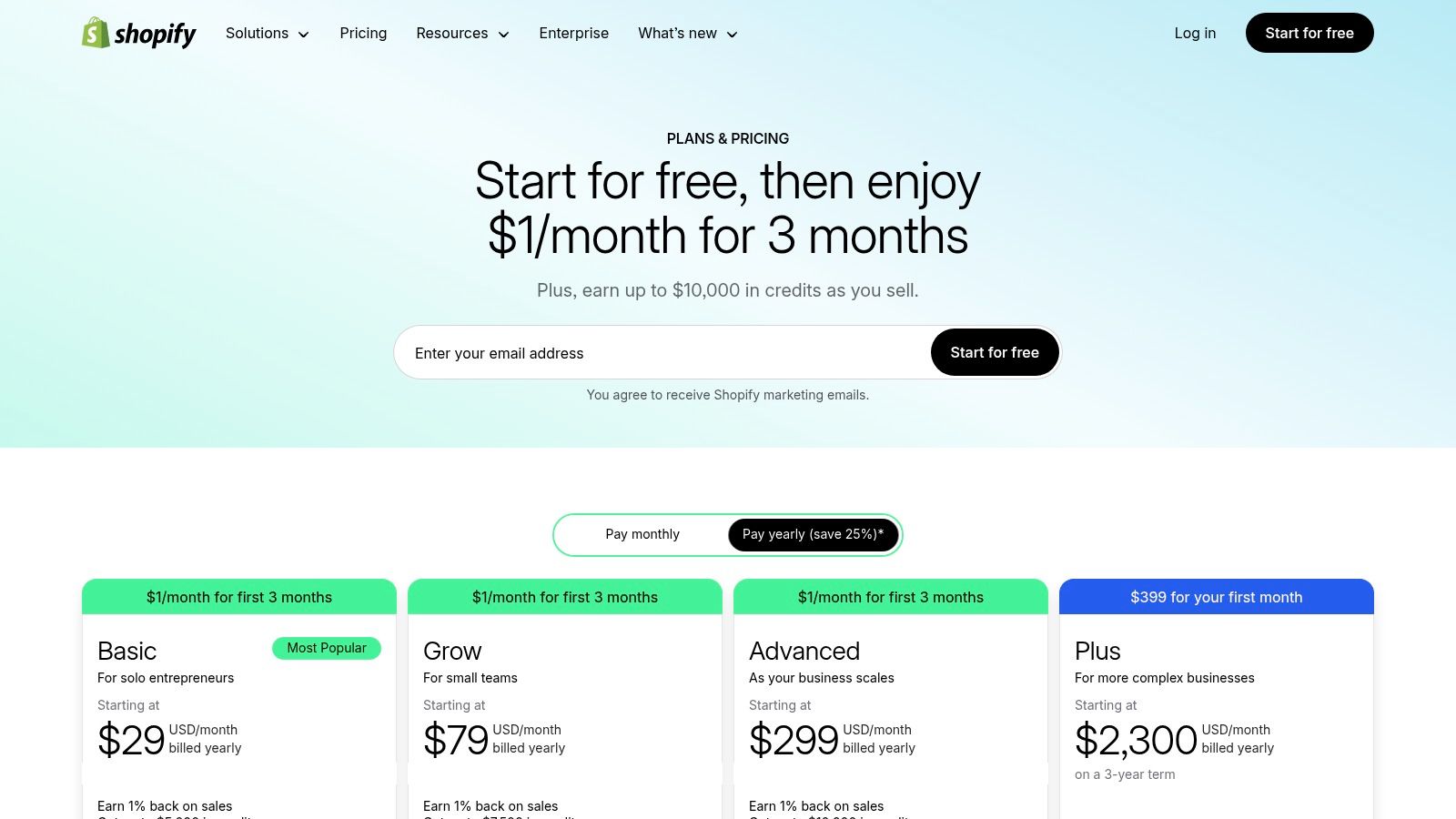
Pricing: Plans start at $29/month for "Basic," moving up to "Shopify" ($79/month) and "Advanced" ($299/month), with enterprise-level solutions available through Shopify Plus.
Not Ideal For: Businesses requiring deep backend customization or those wanting to avoid transaction fees when using external payment gateways on lower-tier plans.
Our Take
While the base platform is powerful, its true versatility comes from the massive App Store. This is both a pro and a con; you can add nearly any functionality imaginable, but monthly app costs can accumulate quickly. SEO capabilities are solid, though some advanced URL structure control is limited. For a deeper dive into maximizing your store's visibility, you can explore these top ecommerce SEO best practices. Ultimately, Shopify is the top choice for merchants who value ease of use and a powerful, integrated ecosystem over complete technical control.
2. BigCommerce
BigCommerce positions itself as a powerful, open SaaS platform, making it a top contender for the best CMS for ecommerce for businesses seeking robust built-in features without high dependency on third-party apps. This hosted solution appeals to growing brands from the San Gabriel Valley to the South Bay that want advanced functionality out of the box. Unlike some competitors, BigCommerce does not charge additional transaction fees for using third-party payment gateways, a significant advantage for merchants wanting flexibility in how they accept payments. Its core strength is providing a comprehensive feature set natively, including complex product options, faceted search, and B2B-specific tools, which can reduce the total cost of ownership. The platform is also a leader in the headless commerce space, offering powerful APIs for brands that require custom front-end experiences.
Key Features & Use Cases
BigCommerce excels for mid-market and enterprise-level merchants who have outgrown simpler platforms or require sophisticated B2B and multichannel capabilities. It's a go-to for businesses across Southern California that need to manage complex catalogs and want to avoid the "app-stacking" that can inflate monthly costs elsewhere. The platform's multi-storefront functionality allows a single dashboard to manage different brands or regional sites. In the San Gabriel Valley, we work with clients in Alhambra, Monterey Park, San Gabriel, Temple City, Rosemead, Arcadia, El Monte, South El Monte, West Covina, Covina, Baldwin Park, Azusa, Glendora, Duarte, and Monrovia.
Best For: Growing B2C brands, B2B wholesalers, and retailers needing rich, native functionality and headless flexibility.
Pricing: Plans start at $29/month for "Standard," moving to "Plus" ($79/month) and "Pro" ($299/month), with custom pricing for Enterprise. Note that plans have annual online sales thresholds.
Not Ideal For: Absolute beginners who may find the extensive feature set initially overwhelming, or businesses that prefer a wider selection of pre-made design themes.
Our Take
BigCommerce strikes a fantastic balance between ease of use and powerful, built-in capabilities. The lack of platform transaction fees is a major selling point. While its theme marketplace is smaller than Shopify's, the themes are modern and highly customizable. The annual revenue caps on plans are a critical consideration, as growth can force an upgrade. The platform provides strong SEO tools and a well-optimized checkout process, which is a key factor in sales success. You can explore these ecommerce checkout best practices for 2026 to further enhance conversions. For merchants who want to minimize app reliance and gain more control without managing hosting, BigCommerce is an excellent choice.
3. WooCommerce (WordPress)
For businesses that want ultimate control and ownership, WooCommerce is often the best CMS for ecommerce. It’s not a standalone platform but an open-source plugin that transforms any WordPress site into a powerful, fully customizable online store. This approach gives you complete authority over your data, code, and hosting environment. From local businesses in the San Gabriel Valley to niche online retailers in Santa Monica, WooCommerce offers unparalleled flexibility, allowing you to build a store that is truly your own without being locked into a proprietary ecosystem. The core plugin is free, providing a solid foundation that can be expanded with countless extensions.
Key Features & Use Cases
WooCommerce shines for merchants with specific technical requirements or those who want to integrate content and commerce seamlessly. Because it’s built on WordPress, it's an excellent choice for businesses whose marketing strategy relies heavily on blogging and content creation. It supports a vast range of payment gateways, including its native WooPayments, and integrates with numerous POS systems for businesses with physical locations. We also support the South Bay—including Torrance, Carson, Gardena, Hawthorne, Inglewood, and Long Beach—as well as the Gateway Cities and communities throughout the I-10, I-5, 101, and 405 corridors.
Best For: Content-heavy businesses, developers, and merchants needing deep customization and full data ownership.
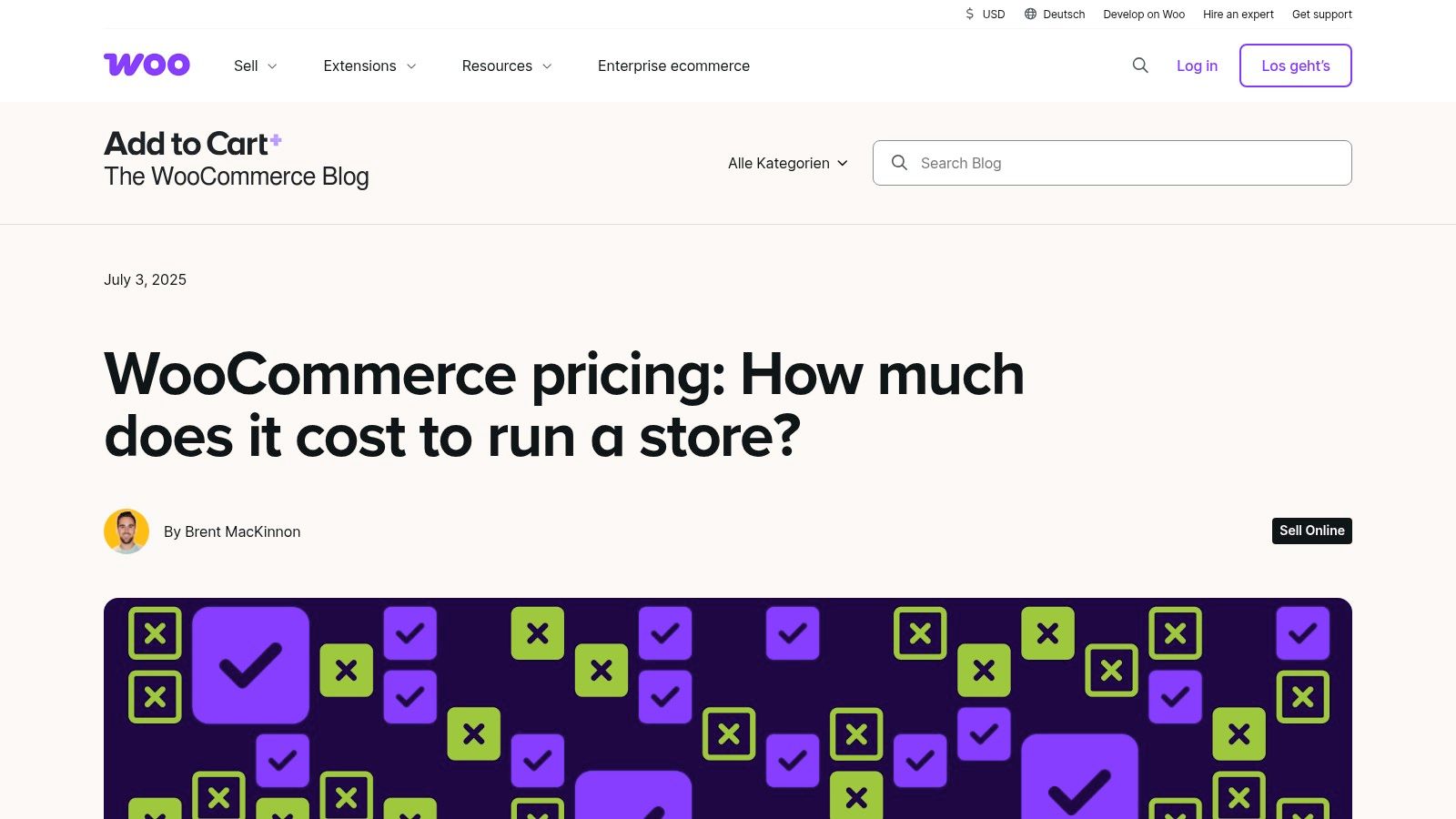
Pricing: The plugin is free, but costs include hosting, a domain, a theme, and any premium extensions, which can vary significantly.
Not Ideal For: Beginners or businesses without technical resources to manage hosting, security, and updates.
Our Take
The greatest strength of WooCommerce, its flexibility, is also its biggest challenge. You are responsible for everything from performance optimization to security patches, which can be a steep learning curve. However, the reward is a completely bespoke ecommerce solution with no platform-imposed transaction fees and limitless potential for growth. Optimizing the user journey is crucial, and you can boost your results with proven website conversion rate optimization strategies. For those willing to handle the technical side, or hire a team to manage it, WooCommerce provides a powerful and cost-effective framework.
4. Adobe Commerce (Magento) + Magento Open Source
For enterprises demanding unparalleled control and customization, Adobe Commerce (formerly Magento) is a titan in the ecommerce space. It’s arguably the best CMS for ecommerce for large-scale operations with complex product catalogs, B2B requirements, and multi-store, multi-language needs. This platform comes in two main flavors: the premium, managed Adobe Commerce and the free, self-hosted Magento Open Source. Both are built on an open-source foundation, offering deep backend access and limitless flexibility for developers, a key differentiator for established businesses from Pasadena to Torrance that require bespoke solutions. Its robust architecture is designed to handle immense traffic and thousands of SKUs without compromising performance.

Key Features & Use Cases
Adobe Commerce excels for established B2B and enterprise-level retailers who need a platform that can be molded to precise business logic. Its powerful catalog management, segmentation, and personalization features, powered by Adobe Sensei AI, allow large Southern California brands to deliver sophisticated, tailored shopping experiences. The API-first, headless-ready nature makes it ideal for omnichannel strategies.
Best For: Enterprise-level retailers, B2B companies, and businesses with large, complex catalogs needing deep customization.
Pricing: Adobe Commerce licensing is quote-based and represents a significant investment. Magento Open Source is free to download, but requires substantial spending on development, hosting, and maintenance.
Not Ideal For: Startups or small businesses without a dedicated development team or a significant budget due to its high total cost of ownership and steep learning curve.
Our Take
Adobe Commerce and Magento Open Source are not for the faint of heart; they are powerful tools that demand expertise to wield effectively. The platform's extreme flexibility is its greatest strength, allowing for complex integrations and unique functionalities that are simply not possible on all-in-one SaaS platforms. However, this comes at the cost of complexity and expense. Businesses considering this platform must be prepared for significant upfront and ongoing investment in developer resources. For large-scale operations with the right team, it provides a truly enterprise-grade foundation for growth.
5. Wix eCommerce (Wix + Wix Studio)
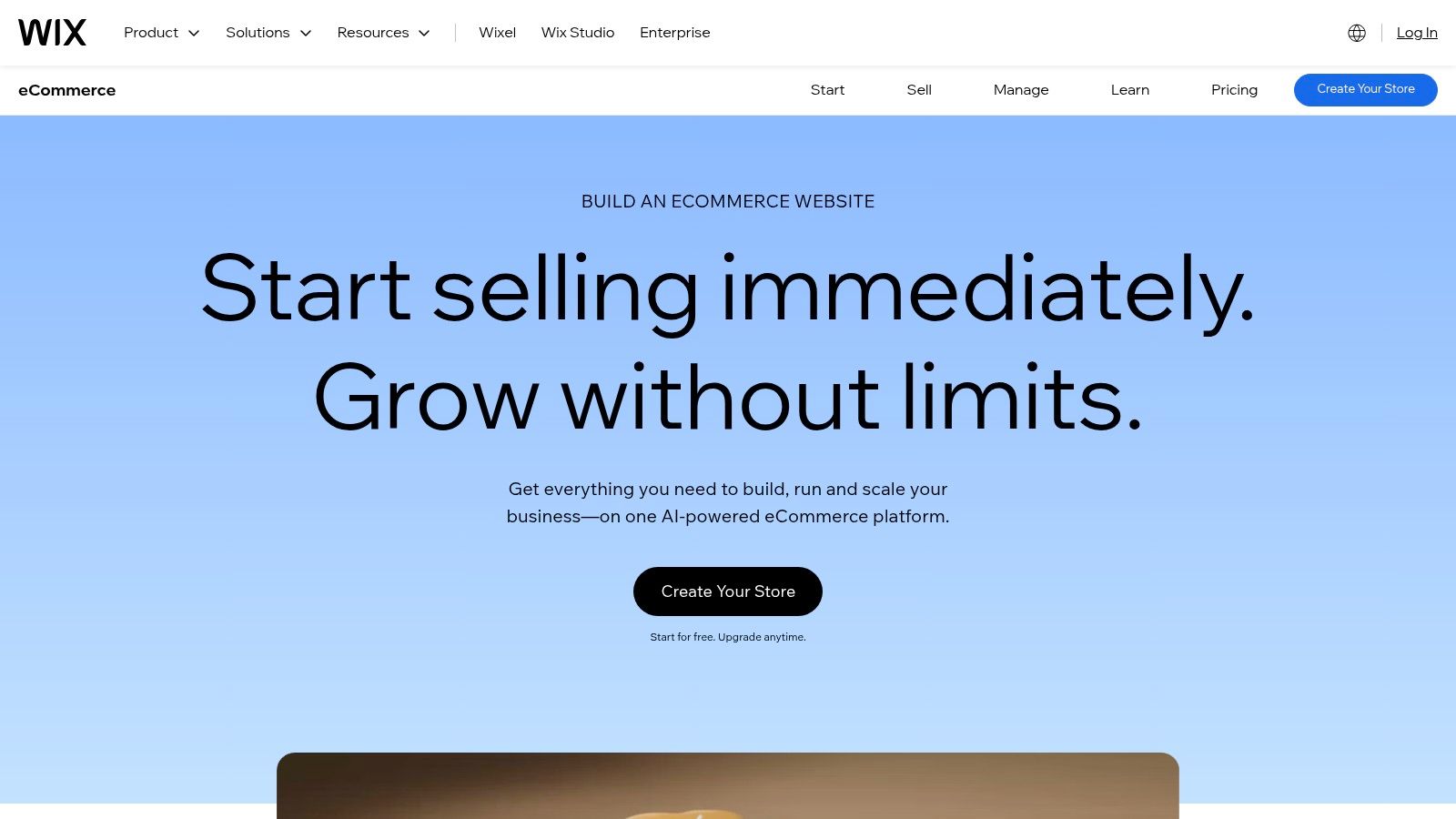
Wix has evolved from a simple website builder into a formidable ecommerce platform, making it a strong contender for the best CMS for ecommerce for small businesses and creative entrepreneurs. Its primary advantage is an exceptionally intuitive drag-and-drop editor, now enhanced with AI tools, that empowers users to create visually stunning storefronts without touching a line of code. This hosted solution bundles hosting, SSL security, and design tools into one predictable package, making it ideal for a local boutique in Glendale or a service provider in the San Gabriel Valley looking for a quick and stylish online launch. With over 900 templates and an extensive App Market, Wix provides a solid foundation for selling products, services, and subscriptions.
Key Features & Use Cases
Wix eCommerce is perfectly suited for small to medium-sized businesses, artists, and restaurants that prioritize design freedom and ease of management over deep technical customization. It handles everything from product catalogs (up to 50,000 products on higher plans) to bookings and point-of-sale integrations, making it a versatile choice for businesses from the South Bay to the San Fernando Valley. The introduction of Wix Studio also provides a more robust platform for agencies building sophisticated client sites.
Best For: Small local businesses, artists, restaurants, and service providers who need an all-in-one, visually-focused platform.
Pricing: Business and eCommerce plans start from around $27/month ("Core") and scale up to "Business" and "Business Elite" for more advanced features.
Not Ideal For: Enterprise-level businesses with complex backend integration needs or developers who require full source code access.
Our Take
Wix delivers an impressive out-of-the-box experience, especially for those who are not technically inclined. The sheer design flexibility is its greatest strength, allowing merchants to craft a unique brand presence easily. However, this simplicity comes at the cost of extensibility; while the App Market is growing, it's not as vast as Shopify's or WooCommerce's ecosystems. Advanced functionalities often depend on available apps, which can add to the monthly cost. For a business in Southern California that needs a beautiful, functional, and low-maintenance online store up and running fast, Wix is an excellent and cost-effective choice.
6. Squarespace Commerce
Squarespace is renowned for its design-first approach, making it an excellent CMS for ecommerce for businesses where brand aesthetics are paramount. It offers a fully hosted, all-in-one solution that merges sophisticated, modern templates with user-friendly commerce functionalities. This platform is ideal for creators, artists, and service-based businesses from Pasadena to Santa Monica that need a visually stunning online presence without deep technical know-how. The drag-and-drop editor, Fluid Engine, provides significant creative control, while the integrated system handles hosting, security, and maintenance, letting business owners focus on their brand and products.

Key Features & Use Cases
Squarespace Commerce excels for portfolio-based businesses, local service providers, and brands selling physical goods, digital products, or subscriptions that prioritize elegant design. Its built-in tools for email marketing, appointment scheduling, and creating member areas make it a powerful platform for a Southern California professional services firm or a boutique studio in West Hollywood. It simplifies the process of creating a polished, cohesive brand experience across all customer touchpoints. Farther southeast, we serve Whittier, Pico Rivera, Downey, Norwalk, La Mirada, La Habra, and Cerritos.
Best For: Artists, designers, service providers, restaurants, and SMBs focused on strong visual branding.
Pricing: Commerce plans start with "Business" ($23/month, billed annually, with transaction fees) and move up to "Basic Commerce" ($27/month) and "Advanced Commerce" ($49/month) which have 0% transaction fees.
Not Ideal For: Retailers with large, complex product catalogs or those needing extensive third-party integrations and advanced inventory management features.
Our Take
Squarespace's primary strength is its seamless integration of beautiful design and essential commerce tools. While it may not have the sheer volume of apps or the advanced B2B features of platforms like Shopify or BigCommerce, it provides everything a brand-focused business needs in one elegant package. The platform's built-in SEO tools are solid for getting started, and its all-inclusive nature means no surprise costs for hosting or security certificates. For businesses that value simplicity and world-class design over granular customization, Squarespace is a top-tier choice.
7. Webflow Ecommerce
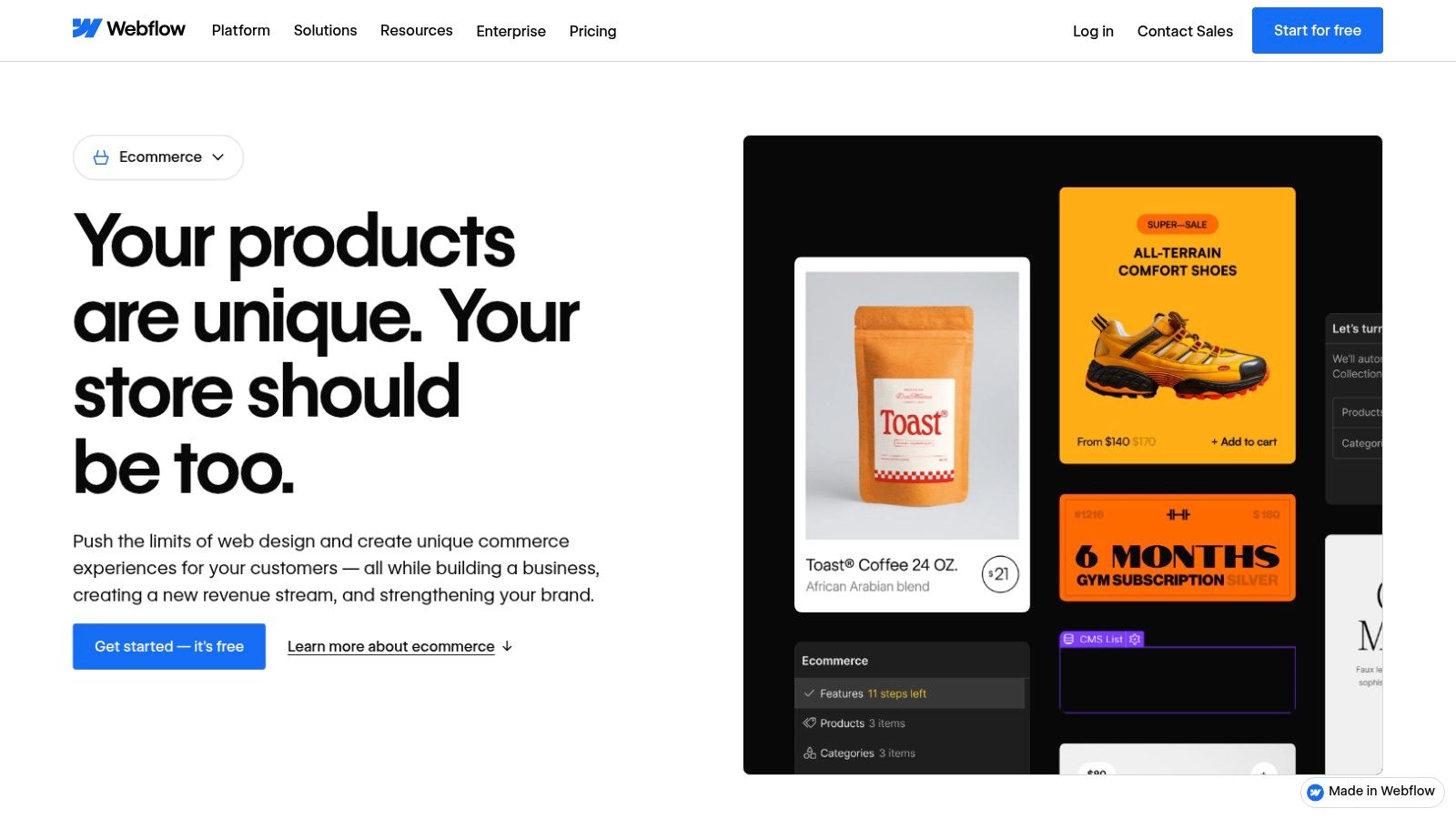
Webflow carves out a unique space by blending a powerful visual designer with robust content management and ecommerce functionality. It’s the best CMS for ecommerce for businesses that lead with content and design, treating the store as a seamlessly integrated part of a larger brand experience. Unlike template-driven platforms, Webflow offers pixel-perfect control over every element, allowing businesses from design-forward agencies in Hollywood to bespoke artisans in Pasadena to build truly custom digital storefronts without writing code. Its strength is giving designers and marketers the power of developers, combining sophisticated CMS Collections for content with a flexible ecommerce system.
Key Features & Use Cases
Webflow Ecommerce is ideal for brands where the story and aesthetic are just as important as the products themselves. It allows a business in the San Fernando Valley to create a rich, interactive lookbook that links directly to products, or a service provider in Downtown Los Angeles to sell digital goods alongside their portfolio. The platform excels at creating experiences that feel less like a standard store and more like an immersive brand website that also happens to sell things. We also extend service through the San Fernando Valley, including Sherman Oaks, Studio City, Encino, Van Nuys, North Hollywood, Burbank, Glendale, Pasadena, Woodland Hills, Chatsworth, Canoga Park, Reseda, Northridge, and Tarzana.
Best For: Design-centric brands, content-heavy sites adding a store, marketing agencies, and businesses needing unparalleled visual control.
Pricing: Ecommerce plans start at $29/month (billed annually) for the "Standard" plan, moving to "Plus" ($74/month) and "Advanced" ($212/month) with higher product limits and lower transaction fees.
Not Ideal For: Beginners looking for a simple setup or large-scale retailers needing complex inventory and fulfillment integrations out of the box.
Our Take
The design freedom Webflow provides is its greatest asset and its biggest hurdle. For those with a design background, it's a dream. For others, the learning curve can be steep compared to simpler platforms. The 2% transaction fee on the Standard plan (on top of Stripe/PayPal fees) is a key consideration. However, for businesses that refuse to be constrained by templates and want to build a truly unique online presence, Webflow offers an unmatched level of creative control, making it a top-tier choice for visually-driven ecommerce.
8. Square Online (by Square)
Square Online leverages its dominance in payment processing to offer a tightly integrated ecommerce solution. It shines as one of the best CMS for ecommerce for businesses already embedded in the Square ecosystem, especially local retailers, restaurants, and service providers. This platform is built for omnichannel commerce, seamlessly unifying online sales with in-person transactions managed through Square POS. For a restaurant in Glendale or a boutique in Santa Monica, this means inventory, sales data, and customer information are synchronized automatically. Its primary advantage is eliminating friction between physical and digital operations, offering a single, cohesive system for payments, invoicing, and inventory.

Key Features & Use Cases
Square Online is engineered for businesses that manage both a brick-and-mortar presence and an online storefront, from cafes in Pasadena to service professionals in the San Fernando Valley. Its unified system supports everything from local pickup and delivery to managing appointments and selling digital goods. The platform's transparent payment processing and next-day deposits are major draws for small business owners who prioritize predictable cash flow. Whether you’re in a major metro area or a smaller surrounding neighborhood, our team delivers reliable, high-quality service anywhere in or around Los Angeles.
Best For: Existing Square users, local retailers, restaurants, and service-based businesses needing a simple, unified sales platform.
Pricing: A free plan is available (plus transaction fees), with paid plans starting at $29/month for "Plus" and $79/month for "Premium" to unlock more advanced features.
Not Ideal For: Large, complex ecommerce operations that require deep customization, extensive third-party app integrations, or unique design flexibility.
Our Take
Square Online is the path of least resistance for merchants committed to the Square payment ecosystem. The setup is incredibly fast, and the all-in-one nature simplifies management significantly. While it offers solid ecommerce functionality, its design and theming options are more limited compared to specialized platforms like Shopify or BigCommerce. It lacks the expansive app marketplace of its competitors, which can be a drawback for businesses needing niche functionality. However, for a Southern California business owner whose primary need is to sync their physical POS with a straightforward online store, Square Online is an efficient and cost-effective choice.
9. Ecwid by Lightspeed
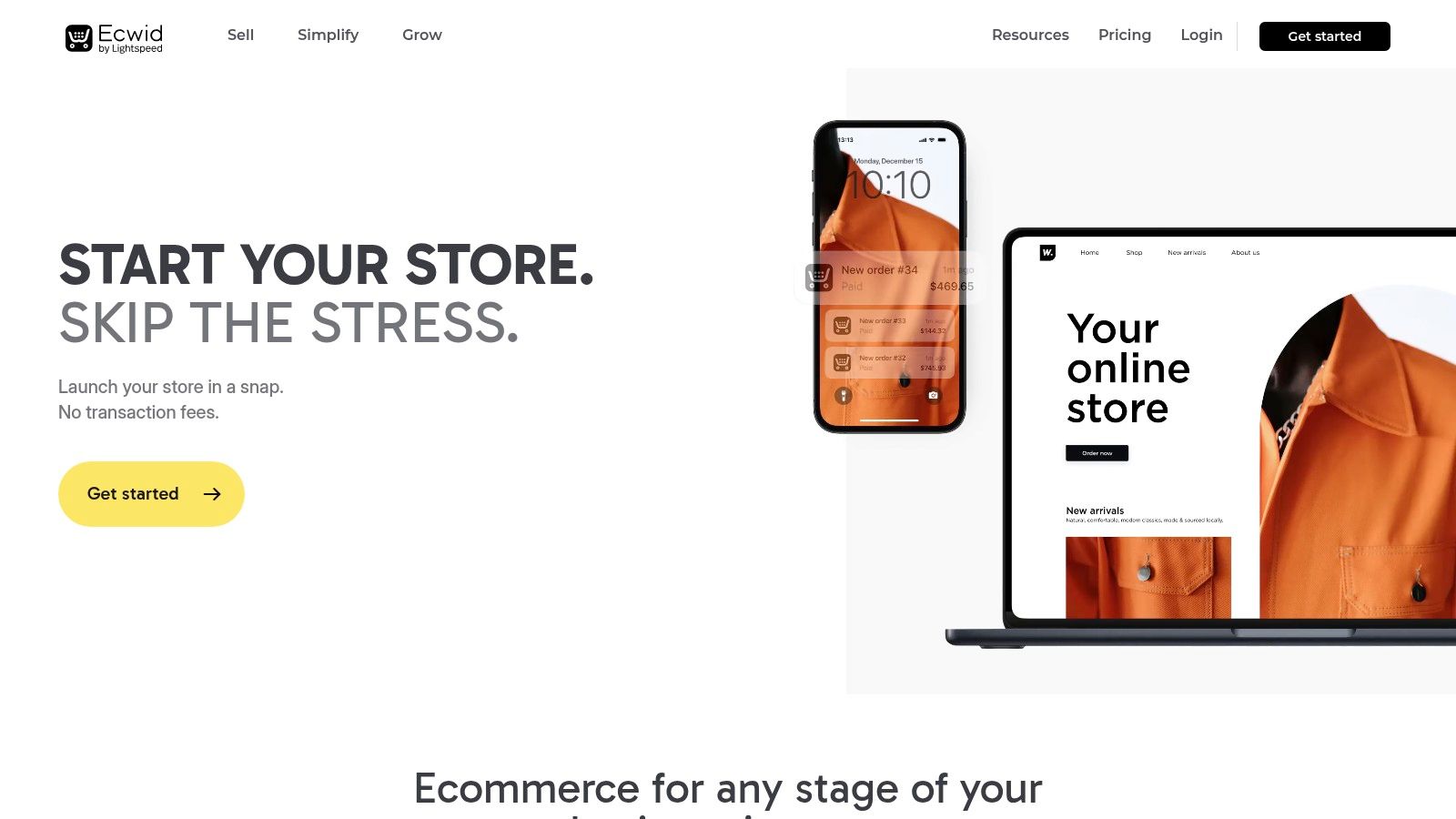
Ecwid by Lightspeed offers a unique approach in the ecommerce space, positioning itself not as a complete website builder but as a powerful commerce layer you can add to any existing site. This makes it an intriguing option for businesses that already have a strong web presence on platforms like WordPress, Wix, or a custom-coded site and don't want to start from scratch. It essentially allows you to "bolt on" a full-featured storefront, transforming a static brochure site for a service in Pasadena into a product-selling machine. The core idea is to embed your store anywhere, from your website to social media channels and online marketplaces, all managed from a single, centralized dashboard.
Key Features & Use Cases
Ecwid is perfect for businesses in Southern California, from retailers in Glendale to service providers in Torrance, who want to start selling online without a complex migration. By embedding a simple code snippet, you can add a store to your existing website, manage inventory, and process payments. Its strength is enabling multichannel selling effortlessly, synchronizing your products across your site, Facebook, Instagram, and more.
Best For: Existing website owners, bloggers, service-based businesses adding products, and anyone needing a quick, embeddable ecommerce solution.
Pricing: A free plan is available for up to 5 products. Paid plans are "Venture" ($19/month), "Business" ($39/month), and "Unlimited" ($99/month), offering more products and advanced features.
Not Ideal For: Businesses needing a fully integrated, standalone ecommerce platform with deep theme customization or complex, native enterprise features.
Our Take
Ecwid excels at its primary function: adding commerce to an existing online presence with incredible ease. It's a pragmatic and cost-effective choice for those not looking for a full platform rebuild. While it may lack the deep, native functionality of an all-in-one best cms for ecommerce like Shopify or BigCommerce, its app market helps fill many gaps. The recent acquisition by Lightspeed and subsequent pricing changes mean you should confirm current plan details. For a business that loves its current website but wants to expand into sales, Ecwid is a brilliant and efficient solution.
10. Shift4Shop
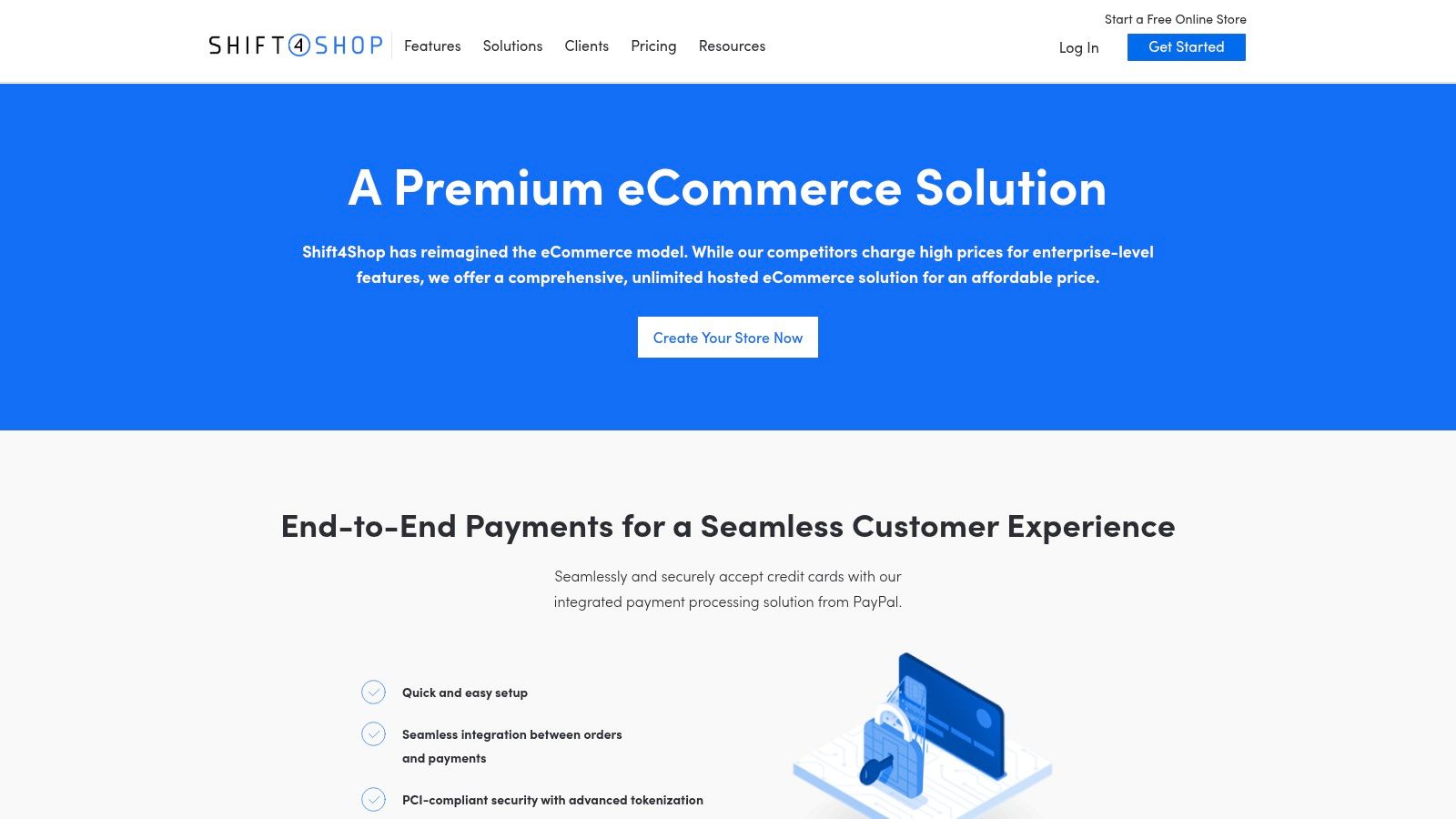
Shift4Shop, formerly 3dcart, presents a compelling proposition for U.S.-based merchants looking for a feature-packed, all-in-one solution without high monthly platform fees. Its core strength is the "End-to-End" plan, which makes the platform effectively free for businesses that process payments through its parent company, Shift4. This model bundles an incredible number of premium features-like unlimited products, staff accounts, and bandwidth-that often require expensive upgrades on other platforms, positioning it as a potentially powerful best cms for ecommerce for the right type of business. It’s an ideal choice for merchants in Southern California, from the San Gabriel Valley to the South Bay, who want to minimize fixed costs.
Key Features & Use Cases
Shift4Shop excels at providing a comprehensive, out-of-the-box feature set that reduces the need for paid add-ons. It includes built-in SEO tools, a CRM, promotion management, and a robust API, making it suitable for businesses that want advanced functionality without a complex app ecosystem. This makes it a great fit for cost-conscious startups in Pasadena or established retailers in Torrance aiming to streamline their tech stack.
Best For: U.S. businesses on a budget who can use Shift4 for payment processing and want an all-inclusive feature set.
Pricing: The popular End-to-End plan is free for U.S. merchants using Shift4 Payments. Other plans are available if you need an external payment gateway, but the value is diminished.
Not Ideal For: International merchants or businesses that are locked into a different payment processor, as the primary benefits are tied to using Shift4.
Our Take
The value proposition of Shift4Shop is almost unbeatable if you fit its target profile. You get an enterprise-level feature set, including a free domain and SSL certificate, for the cost of payment processing. However, this strength is also its main limitation; the model is heavily dependent on using Shift4 Payments, which is primarily focused on the U.S. market. The third-party app ecosystem is also smaller compared to giants like Shopify. For businesses that align with its model, Shift4Shop offers a remarkably powerful and affordable platform to grow on. For more information, visit the Shift4Shop End-to-End plan page.
11. Big Cartel
For independent artists, makers, and creatives, Big Cartel provides a refreshingly simple and focused platform. It carves out its niche by being the best CMS for ecommerce for those with small product catalogs who prioritize artistic expression over complex commerce features. This hosted solution is designed from the ground up to be minimalist and easy to use, allowing a creator in a small Hollywood studio or an artist in the San Gabriel Valley to set up a clean, professional storefront without any technical overwhelm. Its main appeal is its accessibility and artist-first ethos, stripping away the enterprise-level bloat to offer a direct path from creation to sale.
Key Features & Use Cases
Big Cartel is purpose-built for sellers who manage a handful of unique items, like limited-edition prints, handmade jewelry, or band merchandise. The platform supports selling both physical and digital goods and includes essential tools like discount codes, order tracking, and basic analytics. Its streamlined dashboard ensures you spend more time creating and less time managing.
Best For: Artists, musicians, designers, and makers with very small, curated product lines.
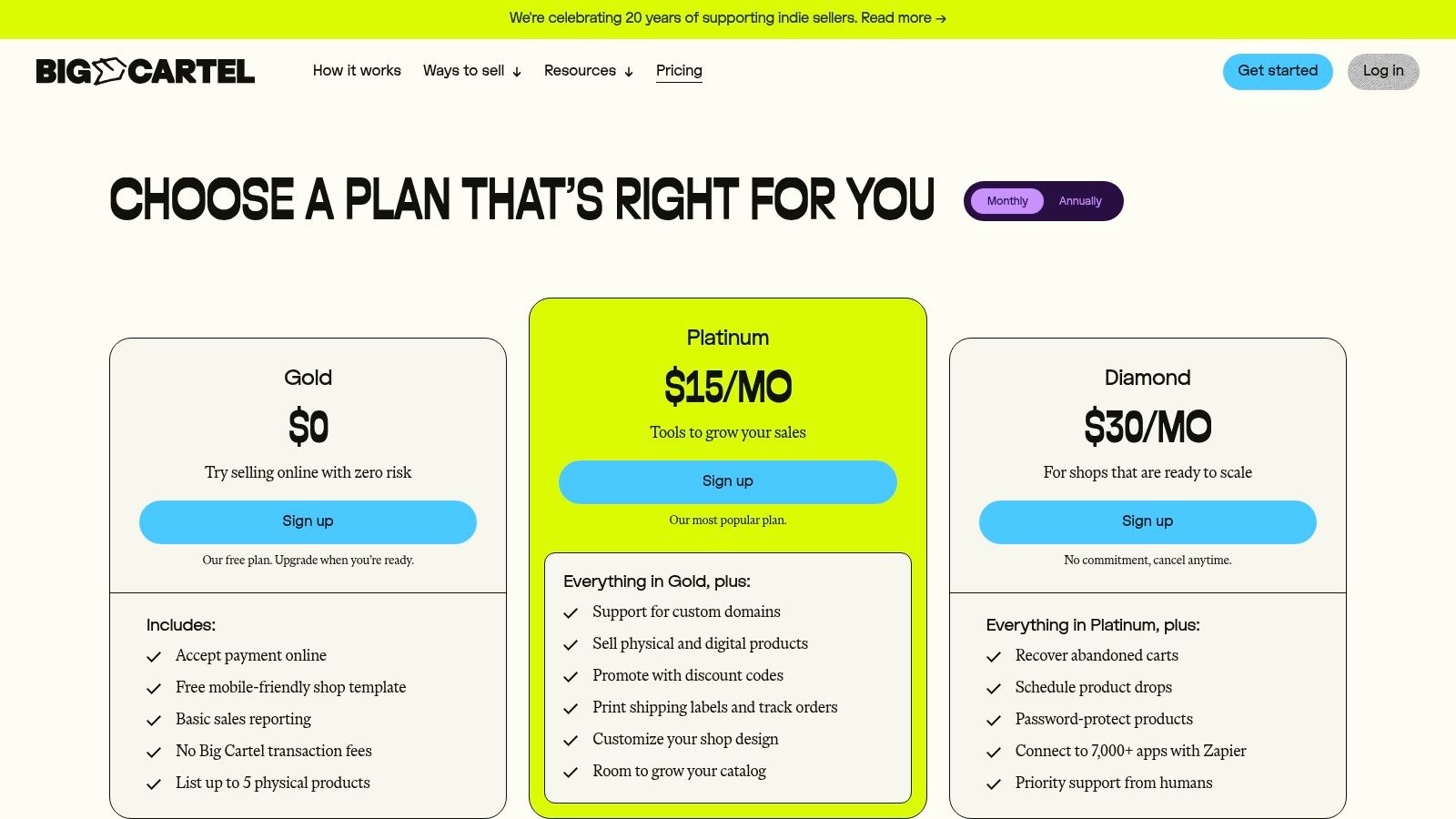
Pricing: A free "Gold" plan is available for up to 5 products. Paid plans are "Platinum" ($9.99/month for 50 products) and "Diamond" ($19.99/month for 500 products).
Not Ideal For: Businesses planning to scale past 500 products, those needing advanced marketing automation, or stores requiring extensive app integrations.
Our Take
Big Cartel’s greatest strength is its simplicity, which is also its main limitation. The platform is incredibly easy to navigate and offers beautiful, minimalist templates that put products front and center. However, the feature set is intentionally sparse; you won't find sophisticated SEO tools, abandoned cart recovery, or a vast app marketplace. For the right user, such as a local Los Angeles artist selling their first collection, it's a perfect, low-cost entry point into ecommerce. For anyone with ambitions beyond a small boutique, a more scalable platform will be necessary.
12. PrestaShop
PrestaShop is a mature open-source ecommerce CMS that offers impressive flexibility, particularly for small and medium-sized businesses that want to avoid upfront software costs. It strikes a balance between the technical freedom of platforms like Magento and the user-friendliness of hosted solutions. As an open-source platform, its core strength is its customizability; developers across Los Angeles and Southern California can freely modify the code to build highly specific functionalities. Its out-of-the-box support for multiple languages and currencies makes it a strong contender for businesses looking to sell internationally from day one.
Key Features & Use Cases
PrestaShop is ideal for budget-conscious merchants who have access to technical resources or are willing to manage their own hosting. For a local business in Pasadena or a growing retailer in Torrance, the platform provides a powerful, license-free foundation that can be expanded with thousands of modules from its marketplace. This model allows for a tailored solution where you only pay for the specific features you need, from advanced shipping calculators to marketing automation tools.
Best For: SMBs with development resources, international sellers, and budget-conscious startups.
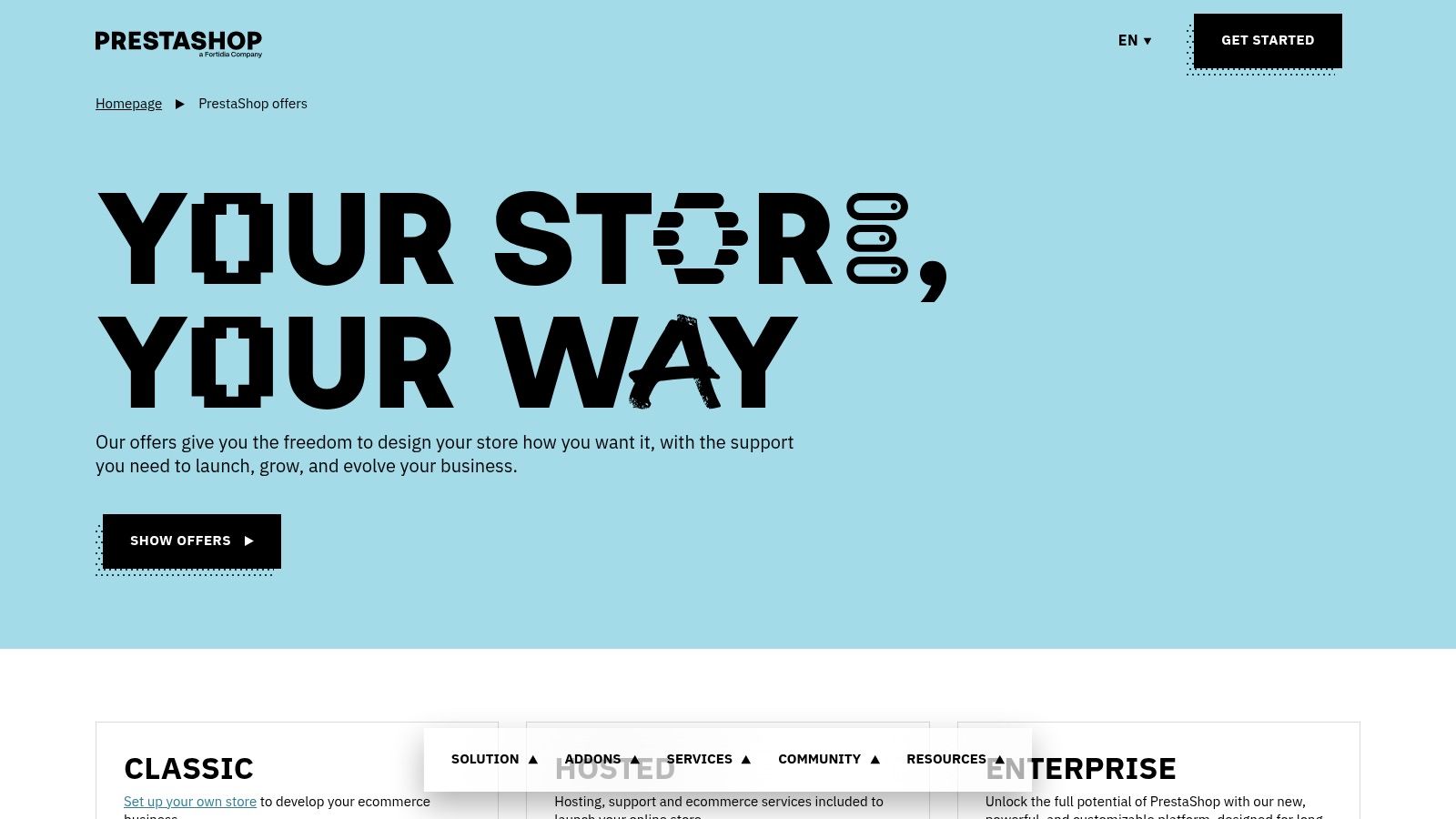
Pricing: The PrestaShop Classic software is free (self-hosted). Hosted "PrestaShop Platform" plans are also available, with pricing provided upon inquiry.
Not Ideal For: Beginners with no technical support or businesses that want an all-in-one, fully managed solution without any maintenance responsibilities.
Our Take
PrestaShop’s biggest advantage is its open-source nature, giving you full ownership and control over your store's data and code. However, this freedom comes with responsibility; you'll need to handle hosting, security, and updates yourself. While the extensive module marketplace can add nearly any feature, costs can add up, similar to other platforms' app stores. For those needing a flexible but powerful system, PrestaShop remains one of the best cms for ecommerce choices, especially when a custom-tailored store is the end goal.
Top 12 eCommerce CMS: Side-by-Side Comparison
Platform | Core features | UX & Quality | Value / Price | Target audience | Unique selling points |
|---|---|---|---|---|---|
Shopify | Hosted storefront, built‑in checkout, POS, large app/theme store | ★★★★★ Fast setup, 24/7 support | 💰 Mid → add‑on apps can raise costs | 👥 SMB → high‑volume brands | ✨ Robust checkout & partner ecosystem · 🏆 Managed hosting |
BigCommerce | Hosted, rich native features, headless APIs, B2B tools | ★★★★☆ Feature‑rich UX for merchants | 💰 Good native value; watch revenue caps | 👥 B2C & B2B merchants | ✨ No platform payment fees · 🏆 Strong out‑of‑box features |
WooCommerce (WordPress) | Open‑source WP plugin; full data/code ownership; extensible | ★★★★ Depends on hosting/development | 💰 Core free; hosting & extensions vary | 👥 Businesses wanting max control / dev teams | ✨ Full customization & ownership · 🏆 Largest extension ecosystem |
Adobe Commerce (Magento) | Enterprise catalog, B2B, personalization (Adobe Sensei), API‑first | ★★★★☆ Enterprise‑grade but complex | 💰 High TCO / license or enterprise pricing | 👥 Large enterprises / complex catalogs | ✨ Adobe Sensei personalization · 🏆 Depth & deployment flexibility |
Wix eCommerce (Wix + Wix Studio) | Drag‑and‑drop builder, AI tools, app market, hosting incl. | ★★★★ Very quick launch, easy management | 💰 Predictable plans with hosting included | 👥 Small/local sellers & agencies | ✨ Fast setup + Wix Studio for agencies |
Squarespace Commerce | Design‑forward templates, built‑in commerce & marketing | ★★★★ Polished, low maintenance | 💰 All‑in‑one pricing, simple tiers | 👥 Brand‑focused SMBs, creatives | ✨ Elegant templates & simple workflows |
Webflow Ecommerce | Visual designer, CMS Collections, custom checkout | ★★★★☆ Pixel‑perfect design; learning curve | 💰 Can be pricey at higher tiers | 👥 Designers, content‑heavy brands | ✨ Pixel control + headless flexibility · 🏆 Designer‑centric CMS |
Square Online | Integrated with Square POS/payments, omnichannel sync | ★★★★ Seamless omnichannel for Square users | 💰 Transparent pricing; fast deposits | 👥 Local retailers, restaurants, service providers | ✨ Unified POS + next‑day deposits |
Ecwid by Lightspeed | Embeddable storefront, centralized catalog, multichannel | ★★★★ Fast bolt‑on commerce | 💰 Affordable tiers; adds commerce to existing site | 👥 Sites needing commerce without rebuild | ✨ "Storefront anywhere" embed ability |
Shift4Shop | Unlimited products, bundled features with Shift4 payments | ★★★★ Feature‑rich UX when using Shift4 | 💰 Excellent value if using Shift4 (US focused) | 👥 US merchants standardizing on Shift4 | ✨ Many included premium features · 🏆 Low effective platform cost |
Big Cartel | Simple templates, free tier (up to 5 products), easy setup | ★★★ Easy & minimal for creators | 💰 Very low / free starter plan | 👥 Makers, artists, very small catalogs | ✨ Free tier & minimalist storefront |
PrestaShop | Open‑source core + marketplace modules, multilingual/currency | ★★★★ Flexible but requires maintenance | 💰 Core free; hosting/modules cost extra | 👥 SMBs needing multilingual/multi‑currency | ✨ Strong localization support · move to hosted options |
Final Thoughts
Navigating the crowded landscape of ecommerce platforms can feel overwhelming, but making an informed decision is the cornerstone of building a successful online business. Throughout this guide, we've dissected twelve of the top contenders, from all-in-one powerhouses like Shopify and BigCommerce to the infinitely customizable WooCommerce and the enterprise-grade Adobe Commerce. The key takeaway is clear: there is no single "best cms for ecommerce" for everyone. The right choice is deeply personal to your business's unique stage, goals, and technical comfort level.
Recapping Your Options: The Core Trade-Offs
Your decision ultimately boils down to a series of strategic trade-offs.
Ease of Use vs. Control: Platforms like Wix, Squarespace, and Square Online offer incredible simplicity, allowing you to launch a beautiful store in hours. The trade-off is less control over underlying code and a more limited feature set. In contrast, solutions like WooCommerce and Adobe Commerce provide near-limitless customization but demand a steeper learning curve and more hands-on technical management.
All-in-One vs. Self-Hosted: Hosted solutions such as Shopify and BigCommerce bundle hosting, security, and support into a single monthly fee, providing peace of mind and predictability. Self-hosted options like WooCommerce and PrestaShop offer lower initial costs and greater freedom but place the responsibility for hosting, security updates, and performance optimization squarely on your shoulders.
Scalability vs. Simplicity: A startup artist might find Big Cartel’s focused feature set perfect for their initial launch. However, a rapidly growing retailer would quickly outgrow its limitations and be better served by a platform like BigCommerce or Adobe Commerce, which are architected for high-volume sales and complex catalogs.
Making Your Final Decision
As you weigh these options, ground your choice in a realistic assessment of your business needs. Don't just plan for today; consider where you want to be in two to five years. Migrating an established ecommerce store is a significant undertaking, so choosing a platform with a clear growth path is a strategic investment in your future.
Consider these final questions:
What is my budget? Factor in not just the monthly subscription but also transaction fees, app costs, theme purchases, and potential developer expenses.
What are my technical skills? Be honest about your team's ability to manage a more complex platform. Is it more cost-effective to pay for an easy-to-use system or to hire a developer for a self-hosted one?
What are my "must-have" features? Do you require advanced inventory management, complex product variations, multi-currency support, or specific marketing integrations? Prioritize platforms that handle your core needs natively.
How important is SEO? While all modern platforms offer solid SEO tools, systems like WooCommerce and Webflow provide a deeper level of granular control that can be a competitive advantage.
Choosing the best CMS for your ecommerce venture is a foundational step. It's the engine that will power your sales, manage your operations, and shape your customer's experience for years to come. Take your time, do your research, and select the partner that aligns not just with your product, but with your long-term vision.
Feeling overwhelmed by the options or ready to migrate to a more powerful platform? Los Angeles is at the center of our service area, and we proudly support clients across a wide network of surrounding cities and neighborhoods throughout Southern California. The team at DLL Studios specializes in designing, building, and optimizing high-performance ecommerce websites on platforms like WooCommerce, Shopify, and Webflow. Serving businesses across Los Angeles and Southern California, we can help you choose the perfect CMS and build a store that drives growth. Contact DLL Studios today to start the conversation.
